
VMS (Video Management System) software is a centralized video management platform that connects and controls the entire CCTV camera system on a single interface. In Vietnam, with the boom of retail chains, smart factories, and office buildings, the demand for VMS deployment is increasing by 25-35% each year — gradually replacing traditional local NVR/DVR systems to optimize operational costs and enhance security capabilities.
What is VMS Software? Detailed Definition

VMS (Video Management System) software is a software system that allows collecting, managing, recording, storing, and analyzing video from multiple IP cameras on a centralized platform. Unlike traditional NVR/DVR recorders, VMS supports open architecture, AI integration, and flexible scalability from 10 to 10,000+ cameras.
A typical VMS platform includes: VMS server — where data is stored and processed, VMS client — the user interface on PC/mobile, and integrated AI and cloud storage modules. Popular platforms today such as Genetec Security Center, Milestone XProtect, or customized VMS solutions integrated from Hikvision, Dahua are all available in the Vietnamese market.
VMS Architecture and Operating Principle
Related Products

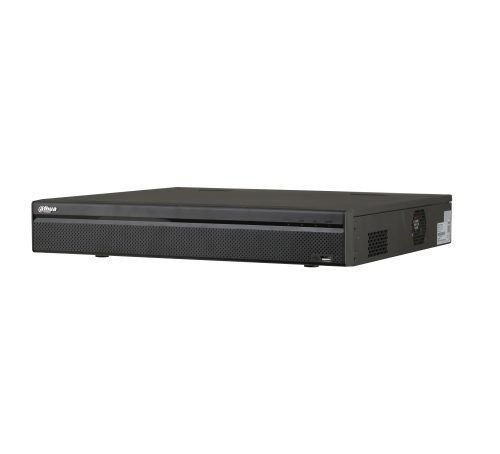
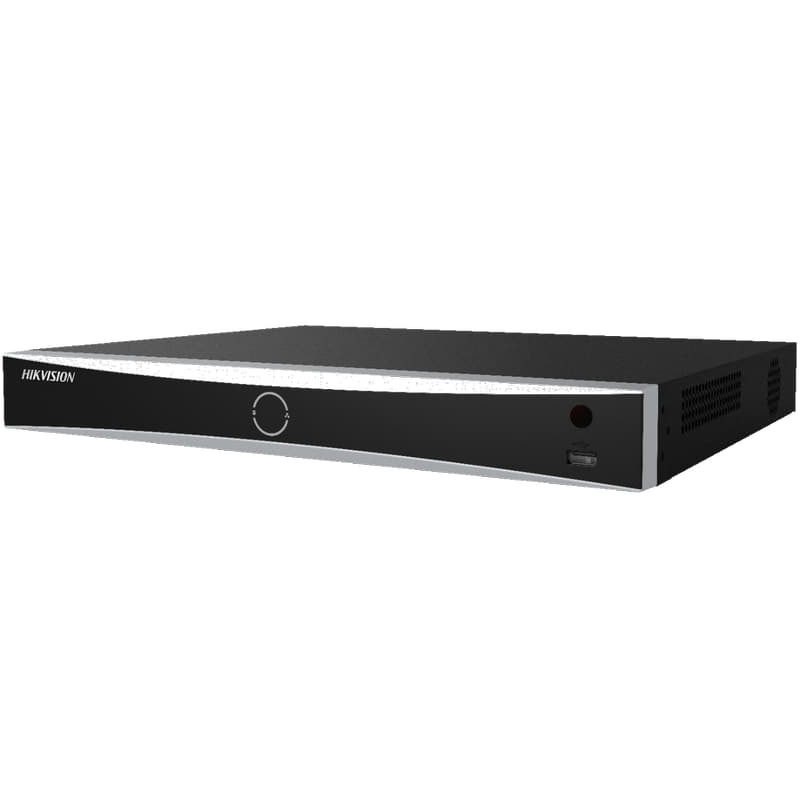


VMS operates on a client-server model: IP cameras send video streams over LAN/WAN to the VMS server, which processes, records, and distributes them to viewing clients. This architecture enables centralized management, easy scalability, and AI integration.
- IP Camera — captures and encodes video into digital data streams (RTSP/ONVIF), sends via PoE network switch.
- VMS Server — receives video streams, stores on hard drives/RAID arrays, processes AI analytics (motion detection, facial recognition), and manages metadata.
- VMS Client — desktop/web/mobile interface allowing users to view live, rewind, search events, and receive alerts.
- Integration Module — AI analytics, cloud storage (AWS/Azure/GCP), access control integration, alarm systems.
With this architecture, businesses can deploy VMS on physical on-premise servers or on the cloud (cloud VMS) — depending on scale and budget. Deployment cost for a 20-50 camera system ranges from 50-150 million VND for software and server, excluding cameras and network infrastructure.
Core Features of Modern VMS Software
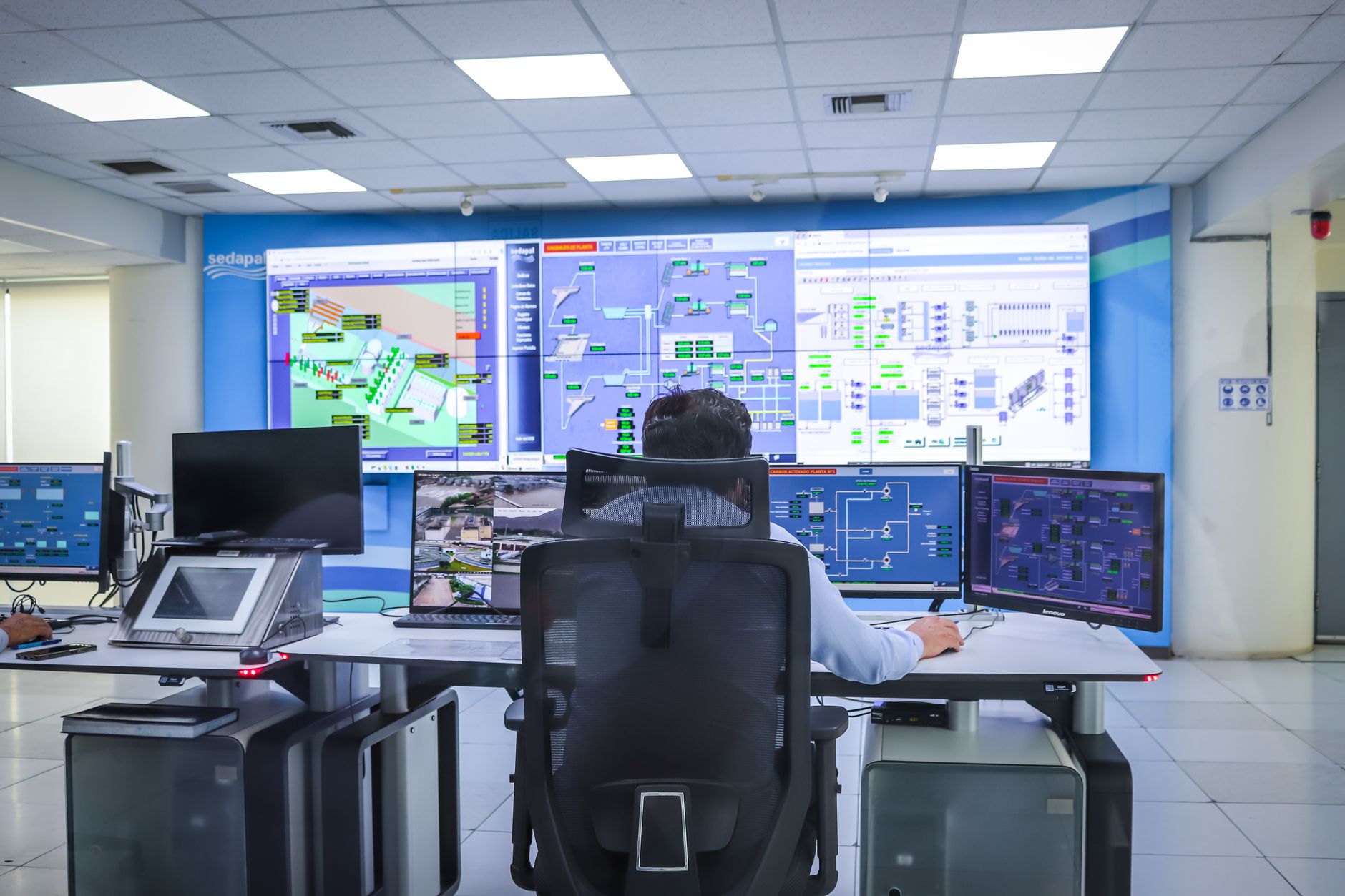
Modern VMS goes beyond viewing and recording — it integrates AI, cloud storage, and centralized multi-site management. Core features include centralized camera management, intelligent video analytics, flexible storage, and real-time alerting.
- Centralized Camera Management — add/remove/configure hundreds of cameras from one interface, supports ONVIF Profile S/T/G for multi-vendor compatibility (Hikvision, Dahua, Axis, Bosch).
- AI Video Analytics — intrusion detection, facial recognition, people counting, abandoned object detection.
- Flexible Storage — local storage (NVR/server RAID), cloud storage (hybrid cloud), or both. Supports H.265+ compression reducing 50-70% storage compared to H.264.
- Smart Alerts — sends notifications via email, SMS, or mobile app when abnormal events occur (motion detection after hours, license plate recognition of unknown vehicles).
- Advanced Search — search video based on metadata (clothing color, license plate, time) instead of manual rewinding for hours.
For example: With the Genetec Security Center solution, a 10-floor office building can manage 200 cameras, integrate card-based access control and fire alarm sensors — all on a single dashboard. Software license cost for this scale is approximately 150-300 million VND/year, excluding server and cameras.
Comparison of VMS with Traditional Camera Systems (NVR/DVR)

Traditional NVR/DVR systems operate independently, limiting camera count and scalability, while VMS provides open architecture, AI integration, and centralized management — suitable for businesses with 20 cameras or more.
| Criteria | Traditional NVR/DVR System | VMS Software |
|---|---|---|
| Architecture | Closed (fixed hardware), difficult to upgrade | Open (open platform), easy to scale |
| Supported Cameras | 4-64 channels (maximum) | 10-10,000+ channels |
| AI Integration | Limited (basic motion detection only) | Full (face ID, intrusion, counting) |
| Storage | Local (HDD in NVR) | Local + cloud (hybrid) |
| Remote Management | Yes (via vendor app, limited) | Yes (web/mobile, multi-platform) |
| Cost for 20 cameras | 10-25 million VND (NVR hardware) | 50-150 million VND (server + license) |
| Suitable For | Small shops, homes | Medium and large enterprises |
Specific Benefits of VMS for Vietnamese Businesses

Deploying VMS brings clear financial and operational benefits: reduce monitoring staff by 30-50%, save 40% on storage costs through smart compression, and increase security effectiveness with real-time alerts.
- Reduced Operational Costs: With centralized management, one security officer can monitor 100-200 cameras instead of 20-30 cameras on individual NVR systems. Save 2-4 staff per day, equivalent to 15-25 million VND/month.
- Storage Savings: H.265+ compression technology and smart storage (event-based recording) reduce storage by 40-60% compared to continuous 24/7 recording — saving on hard drive and cloud storage costs.
- Rapid Incident Response: Real-time alerts via mobile app enable timely protection against intrusion and theft even when no one is on duty. Reduce security incident losses by 50-70%.
- Flexible Scalability: When a business opens new branches, simply add IP cameras and configure them on the existing VMS server — no need to purchase new recorders.
Real-world case study: A chain of 15 mini-supermarkets in Ho Chi Minh City deployed VMS integrated with AI cameras for theft detection, reducing inventory shrinkage by 65% in the first 6 months, with a total investment cost of 200 million VND for software and server — payback period of 8 months.
VMS Terminology Summary Table
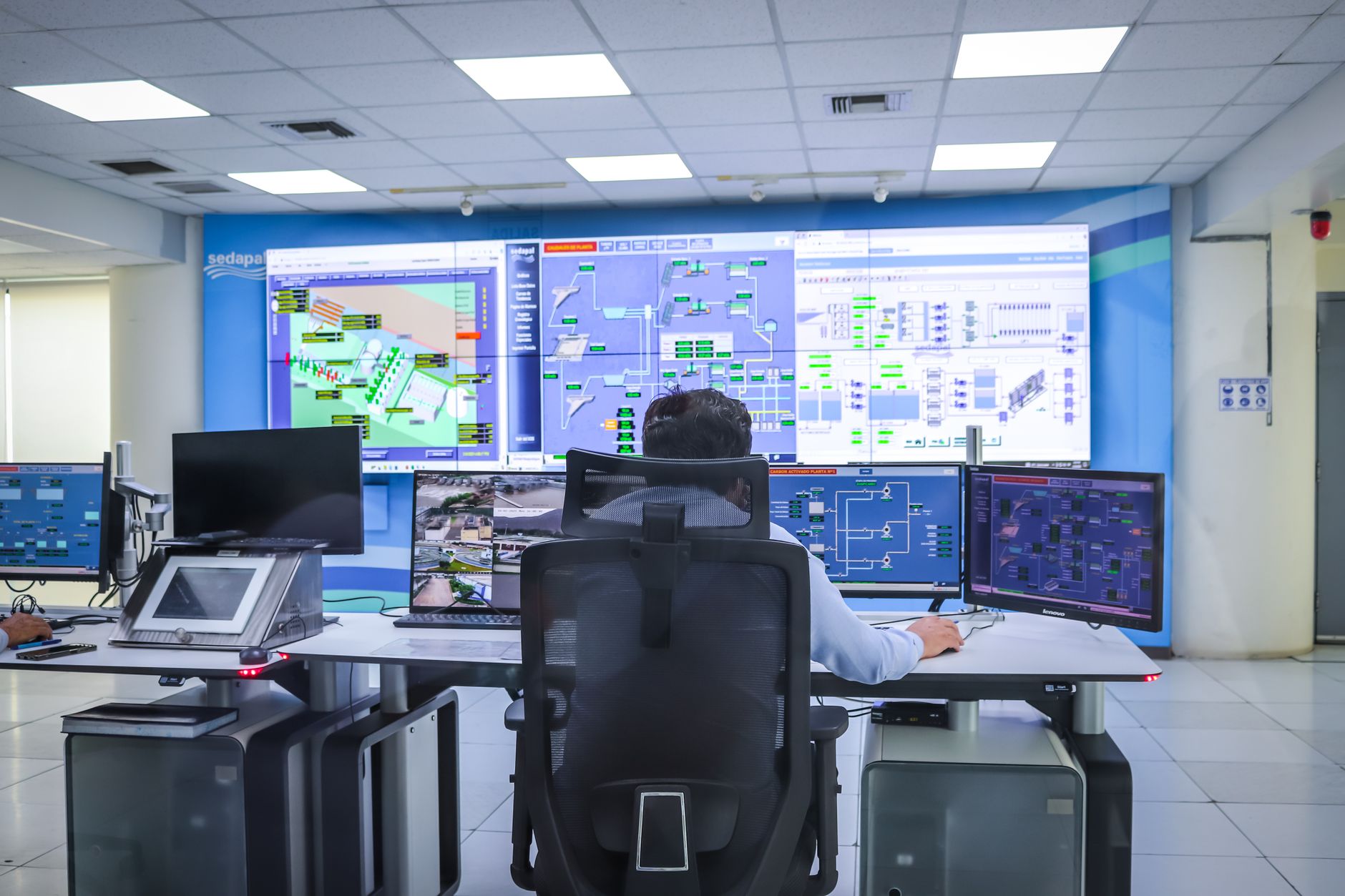
The table below explains key terms in the VMS ecosystem, helping businesses easily reference them when evaluating solutions.
| Term | Definition | Real-world Example |
|---|---|---|
| VMS Server | Physical or virtual server running VMS software, managing all cameras and video data. | Dell PowerEdge R750 running Genetec Security Center, managing 200 cameras. |
| ONVIF | Open standard protocol allowing IP cameras and VMS from different vendors to be compatible. | Hikvision camera connecting to Milestone VMS via ONVIF Profile S. |
| AI Analytics | Intelligent video analysis module, detecting objects, behaviors, license plates. | Detecting strangers entering restricted areas after 10 PM, sending alerts via email. |
| Hybrid Cloud | Combination of local storage (onsite server) and cloud (AWS/Azure) for redundancy. | Storing video for 30 days on server, 90 days on cloud for compliance. |