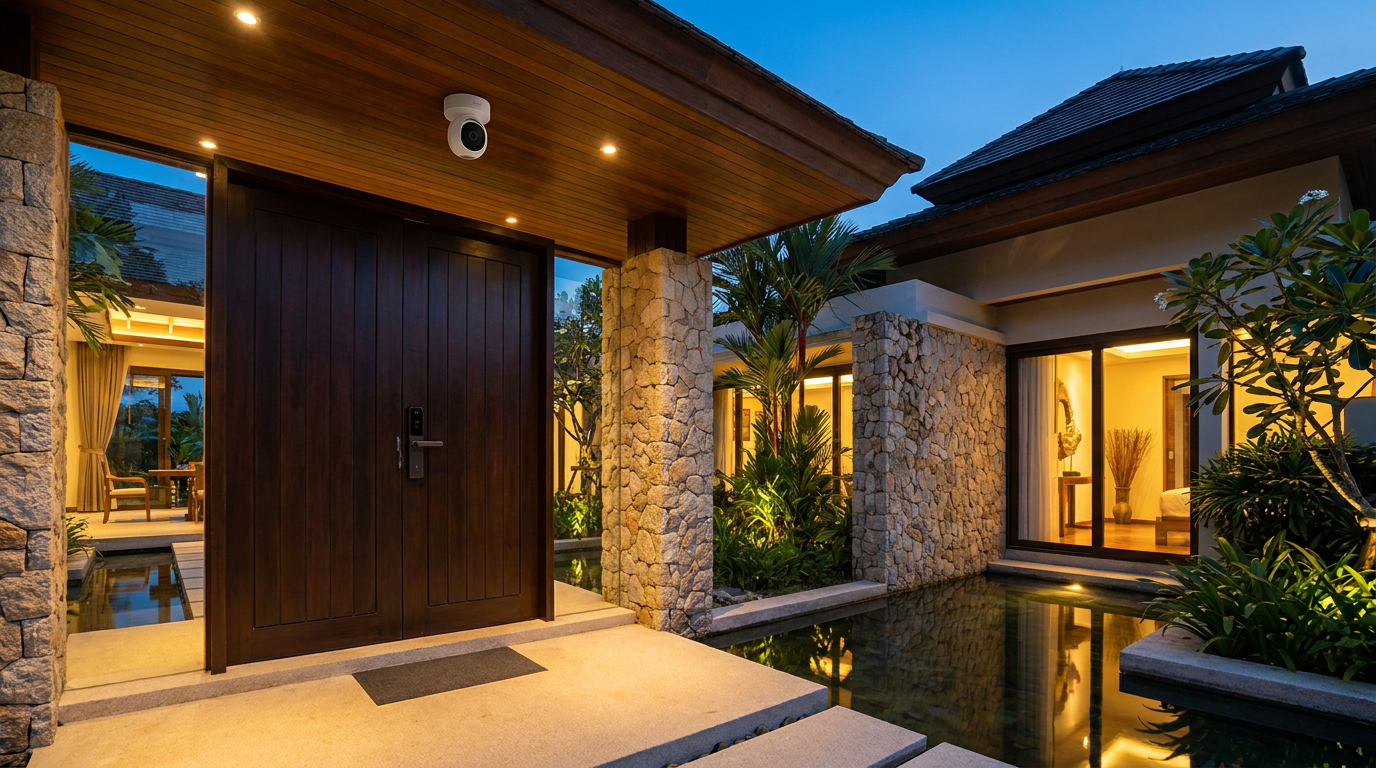
Apple HomeKit is a smart home platform built into iOS, allowing control of AI cameras, smart locks, and sensors from a single Home app without needing separate apps. In Vietnam, this ecosystem is being widely deployed in high-end villas and penthouses for centralized security management, scene automation, and end-to-end encrypted security.
What is Integrating AI Cameras & Smart Locks with Apple HomeKit?
Integrating AI Cameras and Smart Locks with Apple HomeKit is the process of connecting HomeKit-compatible security devices into the Apple ecosystem, enabling centralized management via the Home app, voice control with Siri, and creating automation scenes. Unlike solutions using individual apps, HomeKit provides an end-to-end encryption security layer and remote access via a Home Hub (Apple TV, HomePod).
Benefits of Integrating AI Cameras and Smart Locks with Apple HomeKit
Unifying your security system into HomeKit offers 4 main benefits: managing a single app instead of 4-5 separate apps, hands-free Siri voice control, security scene automation (unlock door + disarm alarm when arriving home), and end-to-end encrypted security without intermediate cloud storage.
- Centralized Management: View cameras, lock/unlock doors, check sensors from the Home app — no need for separate Hikvision, Aqara, or Yale apps.
- Siri Voice Control: "Hey Siri, unlock the front door" or "Hey Siri, turn on the garden camera" — convenient when your hands are full.
- Scene Automation: When you arrive home (GPS), HomeKit automatically unlocks, disables Away mode, and turns on indoor cameras.
- High Security: End-to-end encryption, HKSV (HomeKit Secure Video) stored on your private iCloud, not on third-party servers.
Which Devices are Compatible with Apple HomeKit for AI Cameras and Smart Locks?
Not all AI cameras or smart locks support HomeKit. Devices need a certified HomeKit chip or integration via a Matter bridge. Below are popular models in Vietnam that have been tested for real-world compatibility.
| Device Type | Brand / Model | HomeKit Compatibility | Notes |
|---|---|---|---|
| AI Camera | Aqara Camera Hub G2H Pro / G3 | Yes (native) | Supports HKSV, person/pet detection |
| AI Camera | Hikvision DS-2CD2T46G2-ISU/SL AcuSense | Via Homebridge | Requires Raspberry Pi or HOOBS bridge |
| AI Camera | Dahua IPC-HDW3849H-AS-PV | Via Homebridge | AI integrated, requires bridge |
| Smart Lock | Aqara Smart Lock U100 / N100 | Yes (native) | Integrates fingerprint, keypad, Apple Watch |
| Smart Lock | Yale Linus / Assure Lock 2 | Yes (native) | Supports Matter, HomeKit compatible |
| Smart Lock | Level Lock+ | Yes (native) | Integrates Home Key, unlock with iPhone/Apple Watch |
Setup Guide for Integrating AI Cameras & Smart Locks with Apple HomeKit
The setup process consists of 5 steps: check device compatibility, set up a Home Hub, add devices to the Home app, create automation scenes, and test remote access. Average time is 2-4 hours for a 200-500m² villa.
- Check Devices: Confirm the camera/smart lock supports native HomeKit (has a HomeKit code or "Works with Apple HomeKit" logo). If not, prepare a bridge (Homebridge on Raspberry Pi or HOOBS).
- Set up Home Hub: Use an Apple TV 4K, HomePod mini, or an iPad that stays at home as the central hub for remote control and automation. Ensure the device is logged into the same iCloud account as the homeowner.
- Add Devices to Home App: Open the Home app on iPhone → tap + → Add Accessory → scan the HomeKit code (printed on the device or box). Name the room (Living Room, Front Gate) and assign a zone.
- Create Automation Scenes: For example: "When I leave home" → lock all smart locks, turn off indoor cameras, turn on outdoor cameras, arm the alarm. Or "When I arrive home" → unlock the front door, disarm the alarm, turn on garden lights.
- Test Remote Access: Turn off Wi-Fi on iPhone, enable 4G/5G, open the Home app → check if you can view cameras, lock/unlock doors. If not, check that the Home Hub is online and router configuration (UPnP, mDNS).
Cost of Integrating AI Cameras & Smart Locks with Apple HomeKit for Villas
Integration costs depend on the number of devices and the bridge solution. For a 200-500m² villa, total hardware and installation costs range from 15-25 million VND, excluding the original devices (cameras, smart locks).
- Home Hub: Apple TV 4K (3.5-5 million VND) or HomePod mini (2.5-3 million VND) — 1 device.
- Bridge (if needed): Raspberry Pi 4 + HOOBS (1.5-2.5 million VND) or Homebridge plugin (free if self-built).
- Aqara G2H Pro Camera: 2.5-3.5 million VND/unit (native HomeKit integrated).
- Aqara U100 Smart Lock: 3.5-5 million VND/unit (includes Zigbee hub).
- Installation + Configuration: 2-5 million VND depending on complexity (wiring, bridge setup, scene testing).
Security Notes When Using Apple HomeKit for AI Cameras & Smart Locks
Apple HomeKit is highly regarded for security due to end-to-end encryption and two-factor authentication, but you still need to note: regularly update device firmware, do not share HomeKit control permissions with untrusted people, and use a separate Wi-Fi network (VLAN) for IoT devices.
Frequently Asked Questions
Can Hikvision AI Cameras be used with Apple HomeKit?
Hikvision cameras do not support native HomeKit, but can be integrated via Homebridge on a Raspberry Pi or HOOBS. You need to install the Hikvision-Connect plugin for Homebridge, configure the IP and camera account. Video quality is usually stable, but HKSV (HomeKit Secure Video) features may be incomplete. This solution is suitable if you already have a Hikvision camera system and want to sync with HomeKit without replacing devices.
Which smart lock is best for Apple HomeKit in Vietnam?
The Aqara Smart Lock U100 and Yale Assure Lock 2 are the top two choices. The Aqara U100 supports fingerprint, keypad, Apple Watch, and Home Key, priced at 3.5-5 million VND. The Yale Assure Lock 2 supports Matter, is HomeKit compatible via a WiFi module, priced at 4-6 million VND. Both have their own Zigbee hub and are easy to install on Vietnamese wooden doors (thickness 35-50mm). The Level Lock+ is more premium (7-9 million VND) but is picky about doors and hard to find in the Vietnamese market.
Do I need an Apple TV to use HomeKit?
It's not mandatory, but you need a Home Hub device for remote control and automation. You can use an Apple TV 4K, HomePod mini, or an iPad that stays at home. Without a Home Hub, you can only control devices when on the same Wi-Fi network. The Apple TV 4K is the best choice because it's stable, supports HKSV video streaming, and doesn't drain battery like an iPad.
Is HomeKit more secure than the camera brand's own app?
Yes, HomeKit encrypts video and smart lock data end-to-end, not storing it on third-party cloud servers. With HKSV, video is analyzed by AI on-device (iPhone/Apple TV) and stored on your private iCloud — Apple cannot view it. Individual apps from Hikvision or Dahua often send data through servers in China or their own cloud, posing a potential leak risk. However, HomeKit requires certified devices, limiting choices compared to native apps.
How much does it cost to integrate HomeKit for a 300m² villa?
Costs range from 15-25 million VND, including: Apple TV 4K (3.5-5 million VND), 2 Aqara G2H Pro cameras (5-7 million VND), 1 Aqara U100 smart lock (3.5-5 million VND), Zigbee hub (if applicable, about 1 million VND), and installation/configuration (2-5 million VND). Excluding the cost of original devices if you already have them. Total installation time is 3-5 hours. If using a bridge for Hikvision/Dahua cameras, add 1.5-2.5 million VND for Raspberry Pi + HOOBS.
Do you want a consultation on installing an AI Camera & Smart Lock system integrated with Apple HomeKit for your villa? Contact An Ninh Số via hotline 0796 700 777 or email [email protected] for a free survey and detailed quote.