
VMS (Video Management System) is centralized video management software that allows connecting, controlling, and storing images from hundreds of cameras from various brands on a single interface. While NVR (Network Video Recorder) is a dedicated hardware device that records from IP cameras, VMS acts as a flexible "brain" that can be installed on commercial servers or the cloud, opening up flexible scalability for businesses.
What is VMS? Detailed A-Z Definition

VMS is a centralized video management software system that allows connecting an unlimited number of cameras from various manufacturers (Hikvision, Dahua, Axis, Bosch...), providing advanced features such as intelligent video analytics (AI), role-based user management, real-time alerts, and integration with other security systems (access control, fire alarms).
Unlike NVR, which is a "closed" hardware device (usually only supporting cameras from the same brand or limited ONVIF), VMS is software running on a Windows/Linux server platform. This allows businesses to freely choose hardware that fits their budget and future expansion needs.
A typical VMS system includes: (1) A server running VMS software, (2) IP cameras from various brands, (3) A client interface on computers or mobile devices, and (4) A storage system (NAS, SAN, or cloud).
NVR vs VMS: Detailed Comparison of 8 Core Criteria
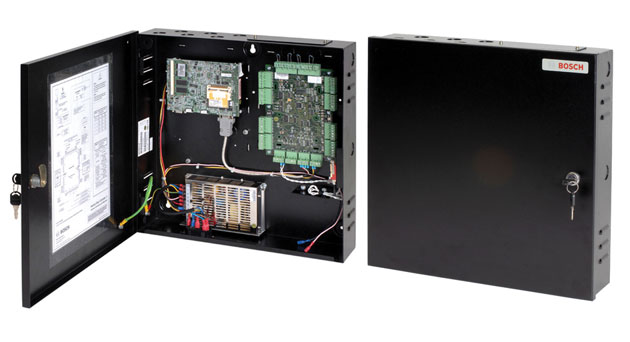


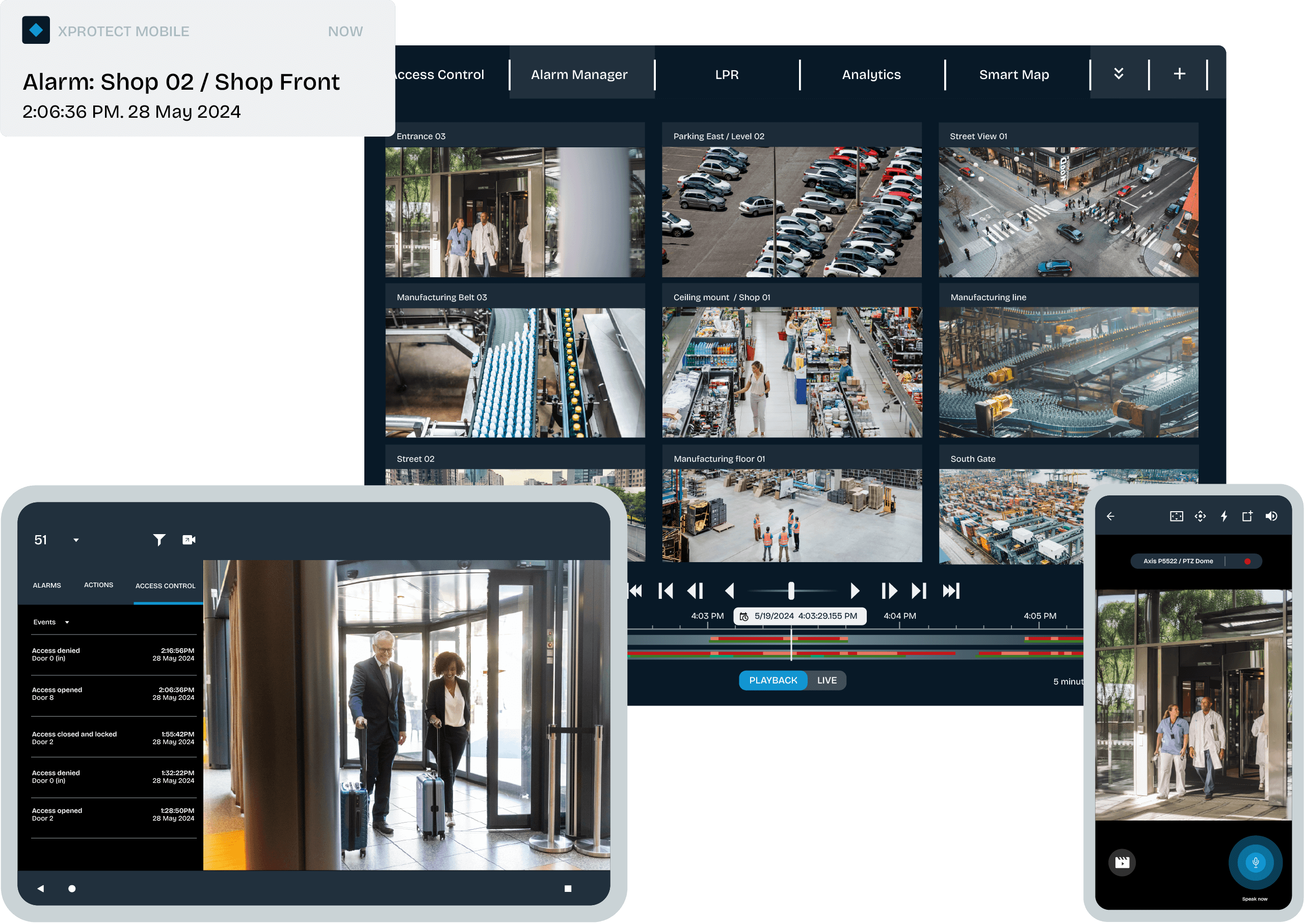

NVR is a dedicated hardware device with low cost, easy installation, suitable for systems under 32 cameras at a single location. VMS is flexible software that can scale to thousands of cameras, supports multi-vendor, integrates AI, and provides centralized management for multiple branches. The comparison table below helps you make an accurate decision.
| Criterion | NVR (Network Video Recorder) | VMS (Video Management System) |
|---|---|---|
| Nature | Dedicated hardware (black box device) | Software installed on commercial server or cloud |
| Scalability | Hard limit (typically 8-64 channels per device) | Unlimited (hundreds to thousands of cameras) |
| Multi-vendor camera support | Primarily same brand, limited ONVIF | Good — supports 50+ brands via ONVIF, RTSP, proprietary SDK |
| Multi-site management | Must access each NVR individually | Single interface to manage all branches |
| AI/Analytics integration | Limited (depends on manufacturer firmware) | Powerful — AI detection, facial recognition, LPR, people counting, heatmap |
| Initial investment cost | Low (5-15 million VND for 16-channel NVR) | Higher (30-80 million VND for server + basic VMS license) |
| Expansion cost | High (must buy new NVR when channels are full) | Low (only need additional camera licenses) |
| Reliability & Uptime | Good (dedicated device, fewer software errors) | Good (can configure RAID, failover, automatic backup) |
5 Signs Your Business Needs to Switch from NVR to VMS

Not every business needs VMS immediately. Here are 5 clear signals that it's time to upgrade: the camera system exceeds 32 units, you need to manage 3 or more locations, you require AI analytics integration, or you are struggling to retrieve data from multiple different NVRs.
- System exceeds 32 cameras at one location or total cameras exceed 50 — NVRs are typically limited to 32-64 channels. When exceeded, you must buy additional NVRs and manage them separately.
- Business has 3 or more branches — Each NVR is