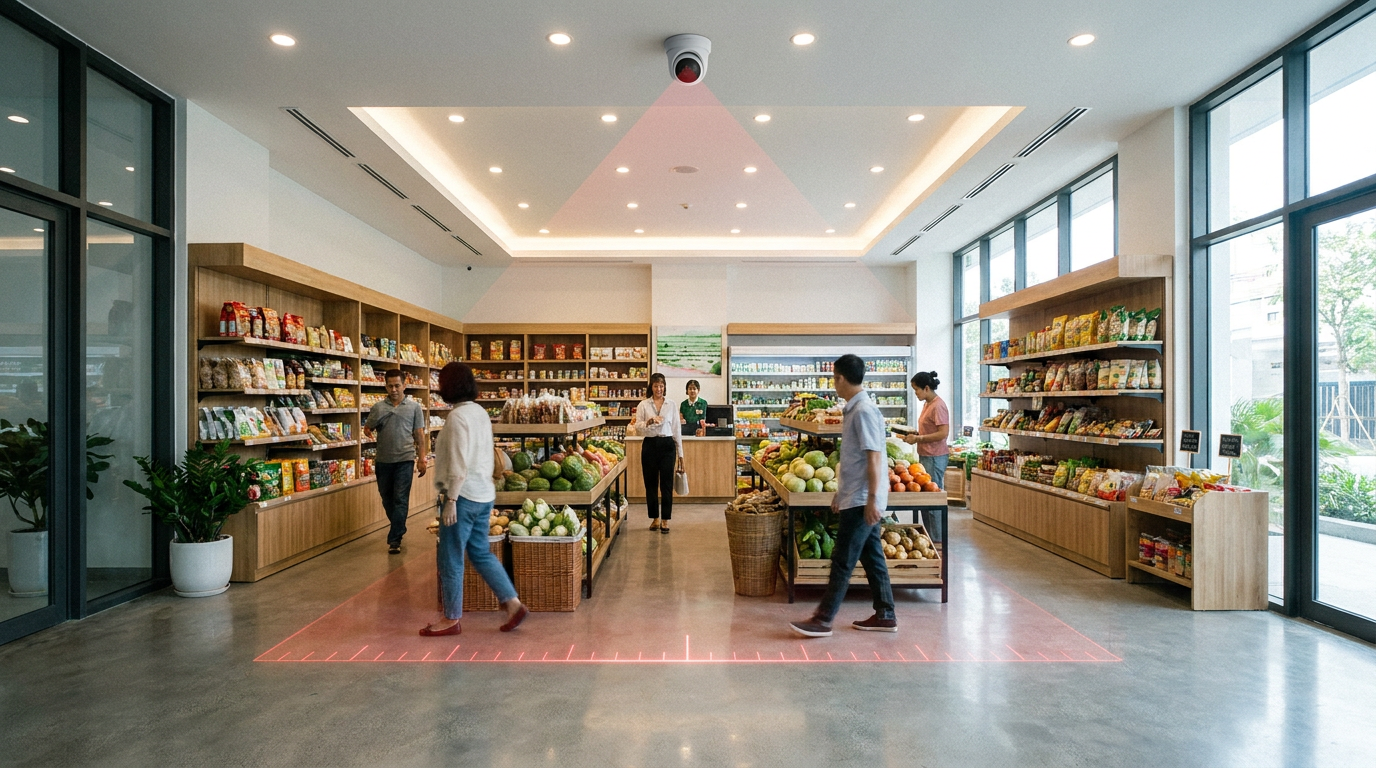
AI people counting cameras are a solution that integrates computer vision into surveillance camera systems, automatically counting the number of customers entering and exiting in real time. In Vietnam, this technology is being widely deployed in mini-supermarket chains, showrooms, and shopping malls to optimize operations and measure marketing effectiveness. However, according to a 2025 survey, over 40% of businesses report footfall errors of 15-30% due to basic installation mistakes.
Error 1: Installing the camera at the wrong angle and height relative to the entrance
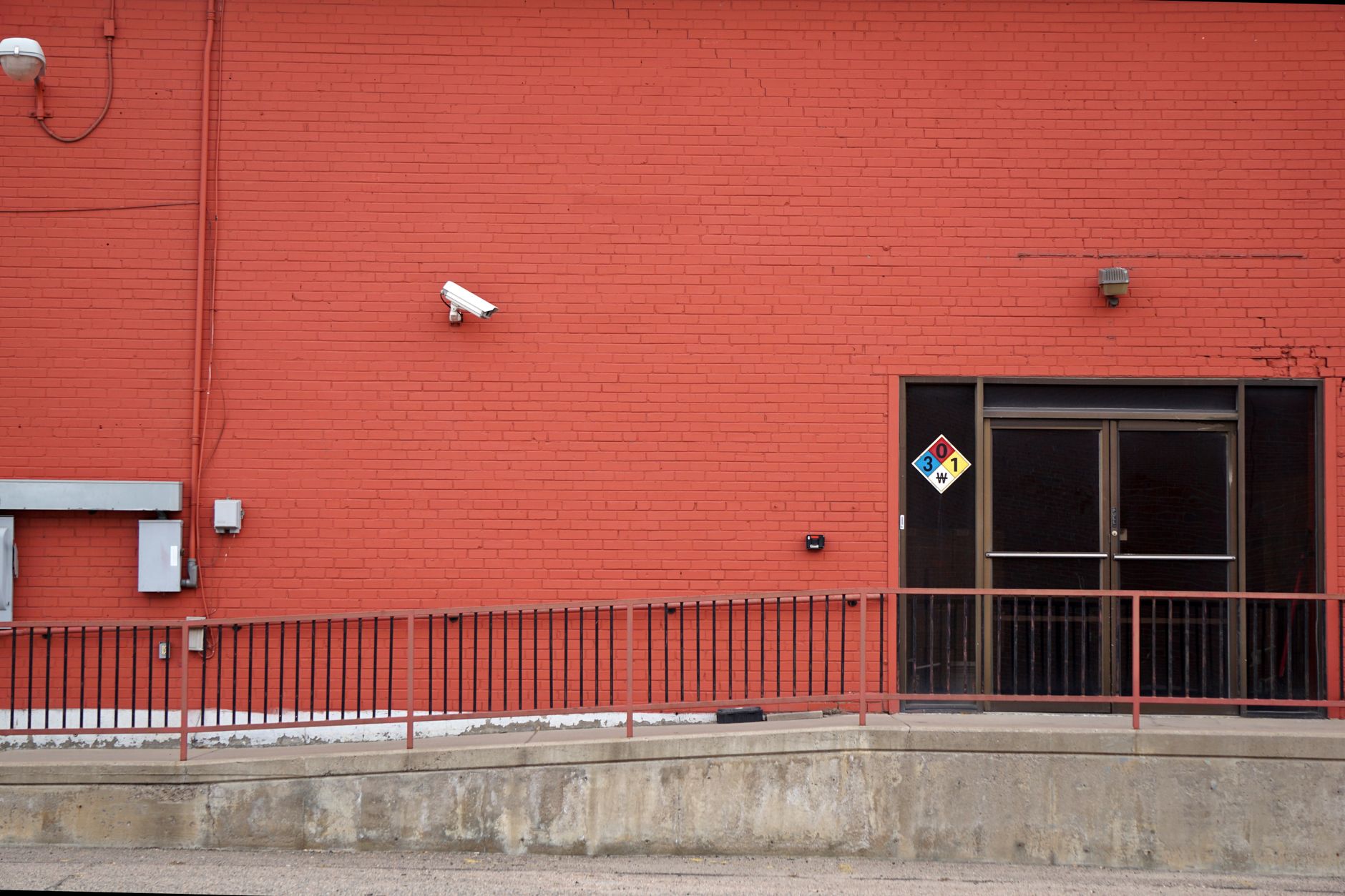
People counting cameras need to be installed on the ceiling, at a 90-degree angle to the ground, at a height of 2.5-3.5 meters. If installed at an angle or too low, the counting area becomes distorted, leading to missed customers walking close to walls or double-counting when two people walk side-by-side.
Solution: Use a dual-lens camera like the Xovis PC3 — a 3D stereo vision camera with automatic height and field-of-view calibration. During installation, the technician must draw the counting line exactly at the center of the walkway, at least 30 cm from the wall edge. For stores with ceilings lower than 2.5 meters, use a wall-mounted infrared sensor camera instead of an AI overhead camera.
Error 2: Light interference from glass doors and neon lights
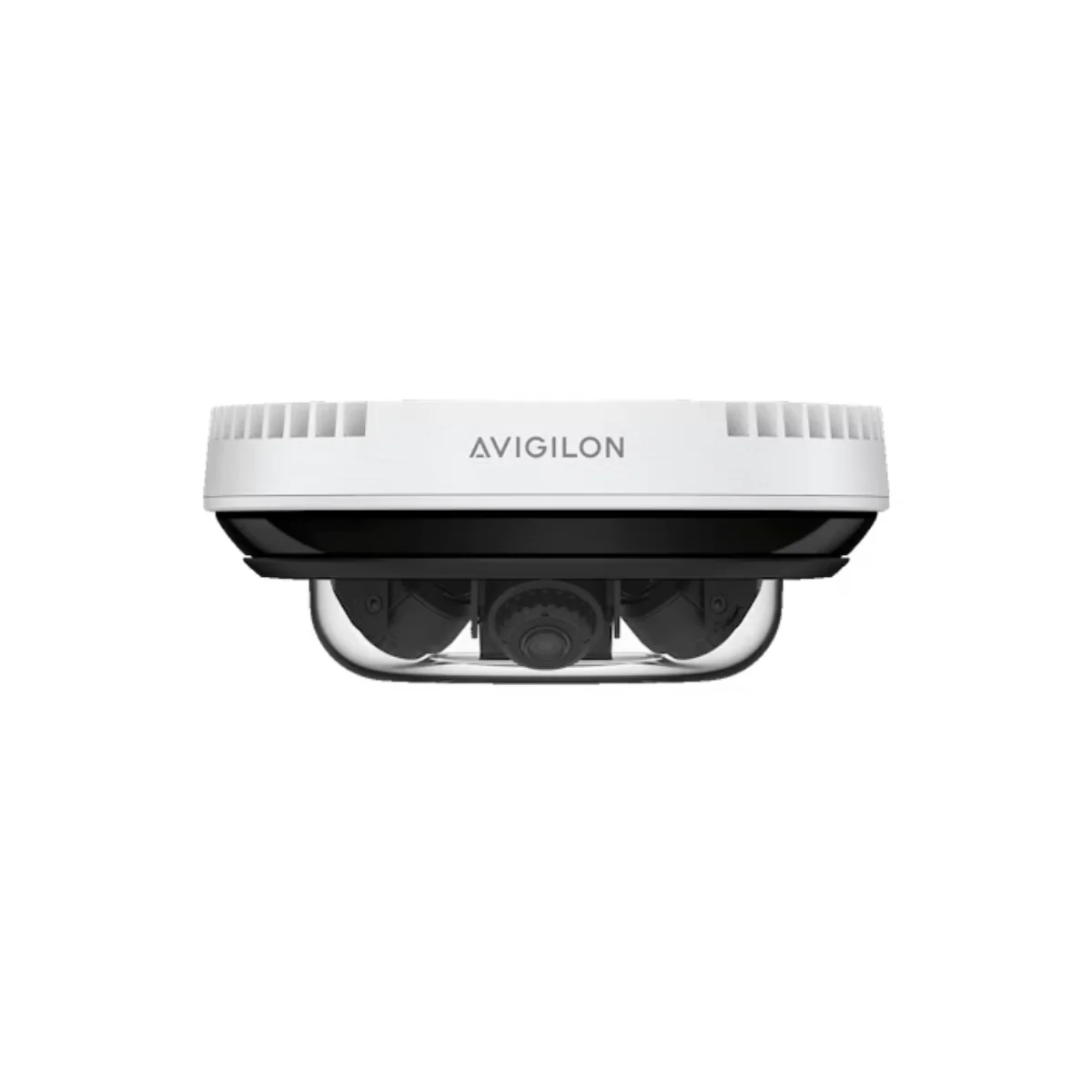



Direct sunlight hitting the lens or reflections from tempered glass cause frame interference, leading the AI to misidentify human shadows as real customers — increasing footfall error by 20-40% during peak sunlight hours.
Remedy: Install the camera at least 1.5 meters away from the glass door, pointing the lens inward. Use a camera with WDR (Wide Dynamic Range) of 120 dB or higher, such as the Hikvision AcuSense DS-2CD2T46G2-ISU/SL, to balance lighting. If the store has a glass ceiling, install light-blocking curtains or choose a 3D ToF (Time-of-Flight) camera that is unaffected by visible light.
Error 3: Miscounting children, shopping carts, and pets
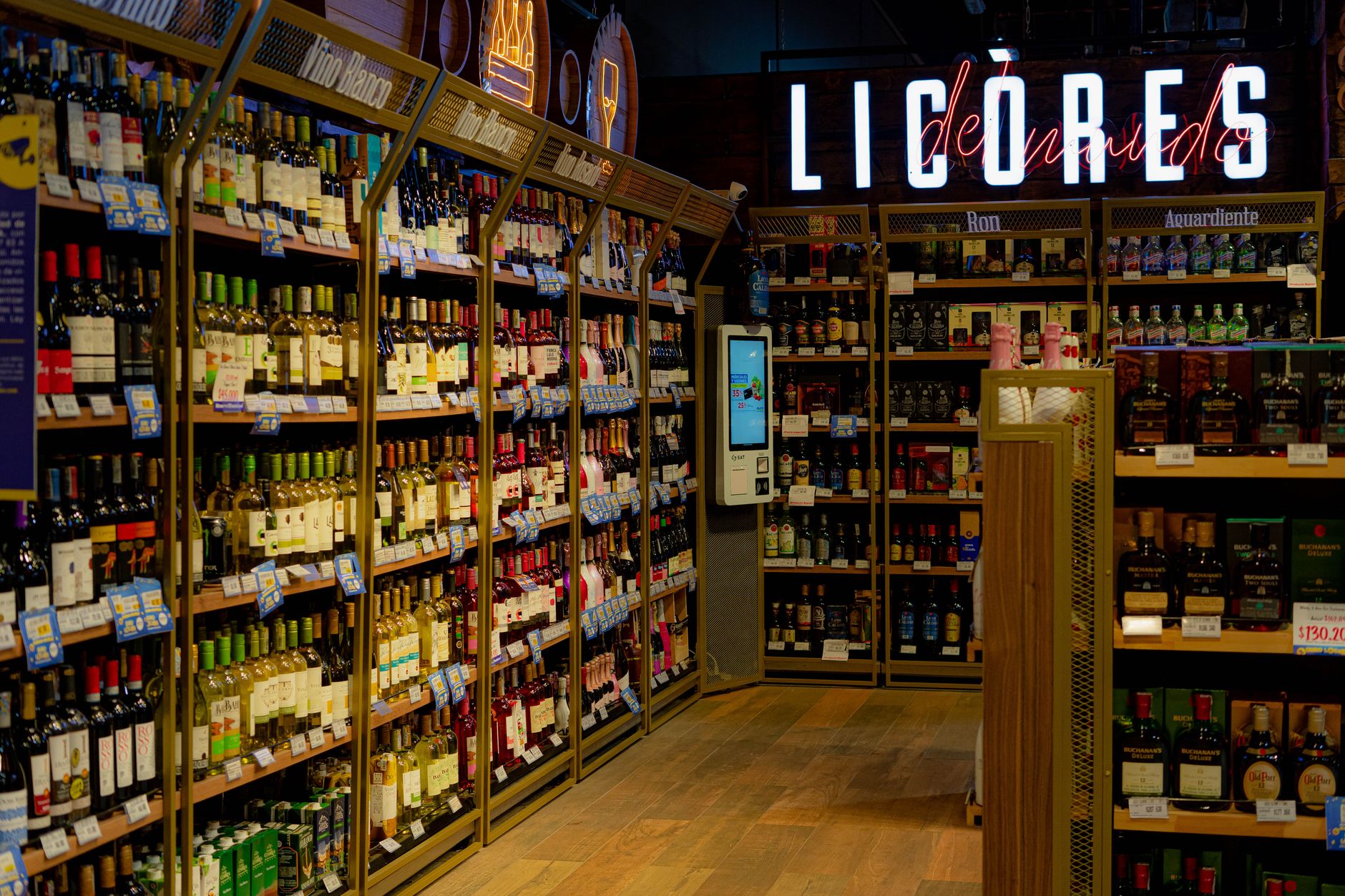
Basic AI cameras often count all moving objects larger than 50 pixels — including children under 1 meter tall, shopping carts, and pets. This skews actual footfall data, especially in mini-supermarkets with family customers.
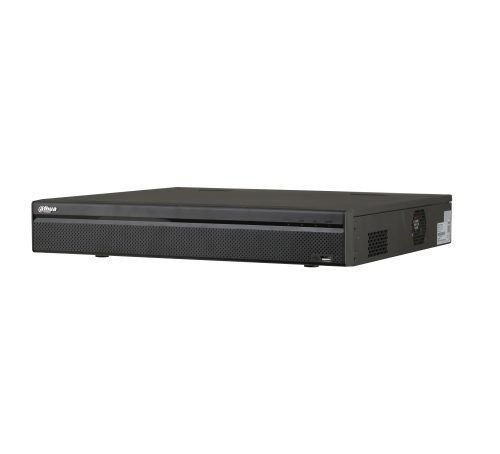
Solution: Configure a height filter on the VMS software or camera edge. With the Xovis PC3, you can set a threshold of 1.2 meters — all objects below the threshold are excluded. For standard cameras, integrate an on-box deep learning AI NVR (e.g., Dahua DHI-NVR5432-16P-4KS2E) to train a model for adult recognition. Real-world results at the Lá Me supermarket chain (Ho Chi Minh City) showed errors reduced from 35% down to 8% after enabling the filter.
Error 4: Counting area not calibrated to store layout
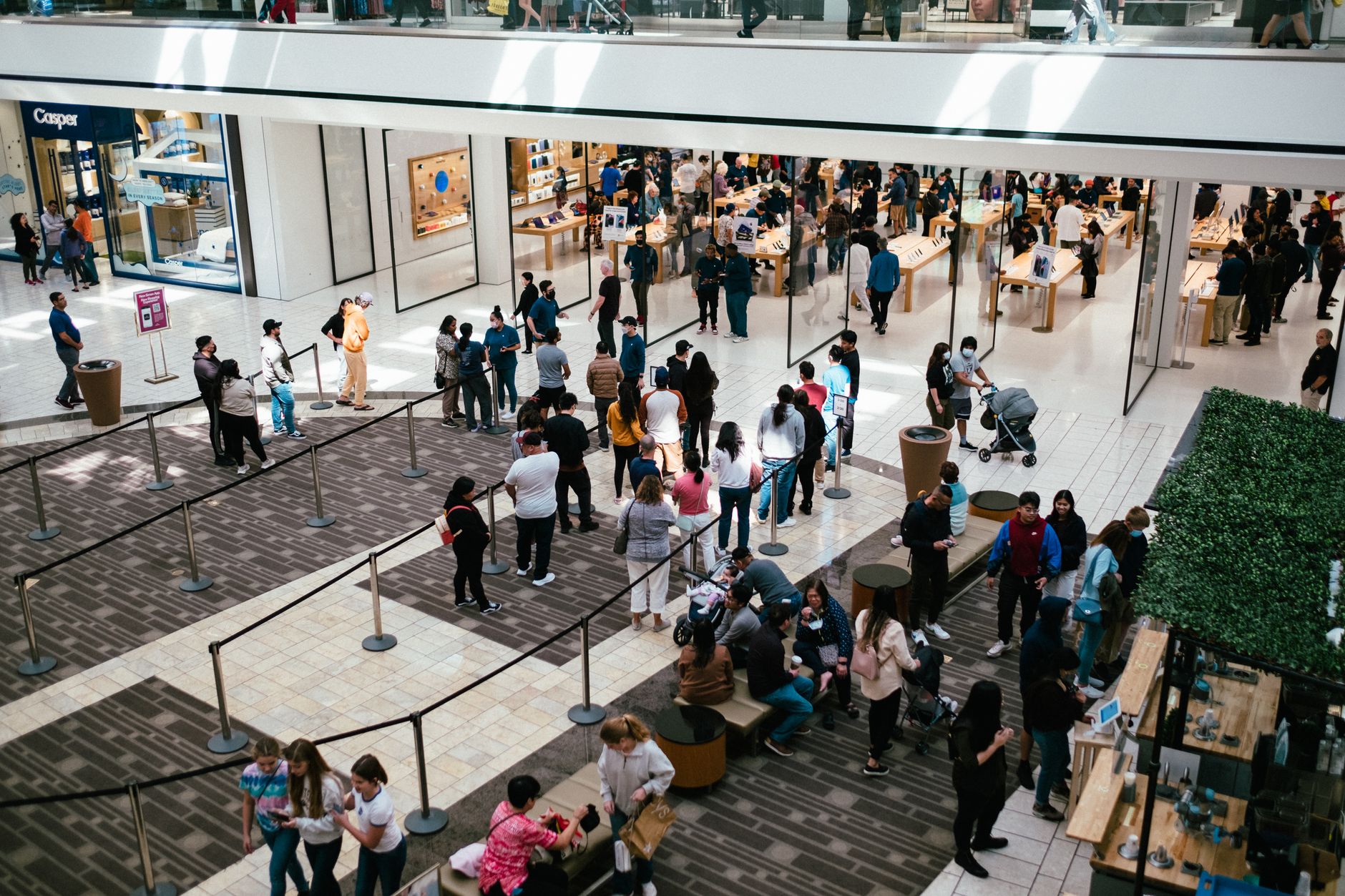
Many installers only set the default counting line at the center of the door, without adjusting for aisle width, display shelf positions, or checkout counters — leading to undercounting customers turning into side aisles or double-counting when customers turn around.
Standard calibration procedure: Draw 2 parallel counting lines spaced 2-3 meters apart (entry line and exit line). Configure movement direction (in/out) based on the order the lines are triggered. For stores with multiple entrances (2-3 doors), assign each camera a separate zone on a multi-site VMS to aggregate data accurately. Perform monthly checks by manually counting for 30 minutes and comparing with camera data to fine-tune.
Error 5: Footfall data not synchronized with POS and KPIs

People counting cameras operate in isolation, not connected to the POS, CRM, or management dashboard — footfall data becomes a meaningless number because it cannot calculate conversion rate (visitors/purchases) or measure marketing campaign effectiveness.
Solution: Integrate people counting cameras with POS via API. For example, integrating KSRV with HR/ERP can be extended to footfall data. Platforms like Genetec Security Center or BriefCam allow pulling footfall data into BI dashboards, merging it with POS revenue to calculate real-time conversion rates. Integration costs range from 15-30 million VND for a 10-store chain,