
Anti-passback data center is a security mechanism in access control systems that requires each credential (proximity card, face, fingerprint) to be used only once for one direction of movement (entry or exit). In Vietnam, data centers and server rooms are facing the risks of 'card borrowing' and 'tailgating,' leading to data loss and compliance violations. The anti-passback solution completely eliminates these vulnerabilities.
What is an anti-passback data center? Definition and core principles
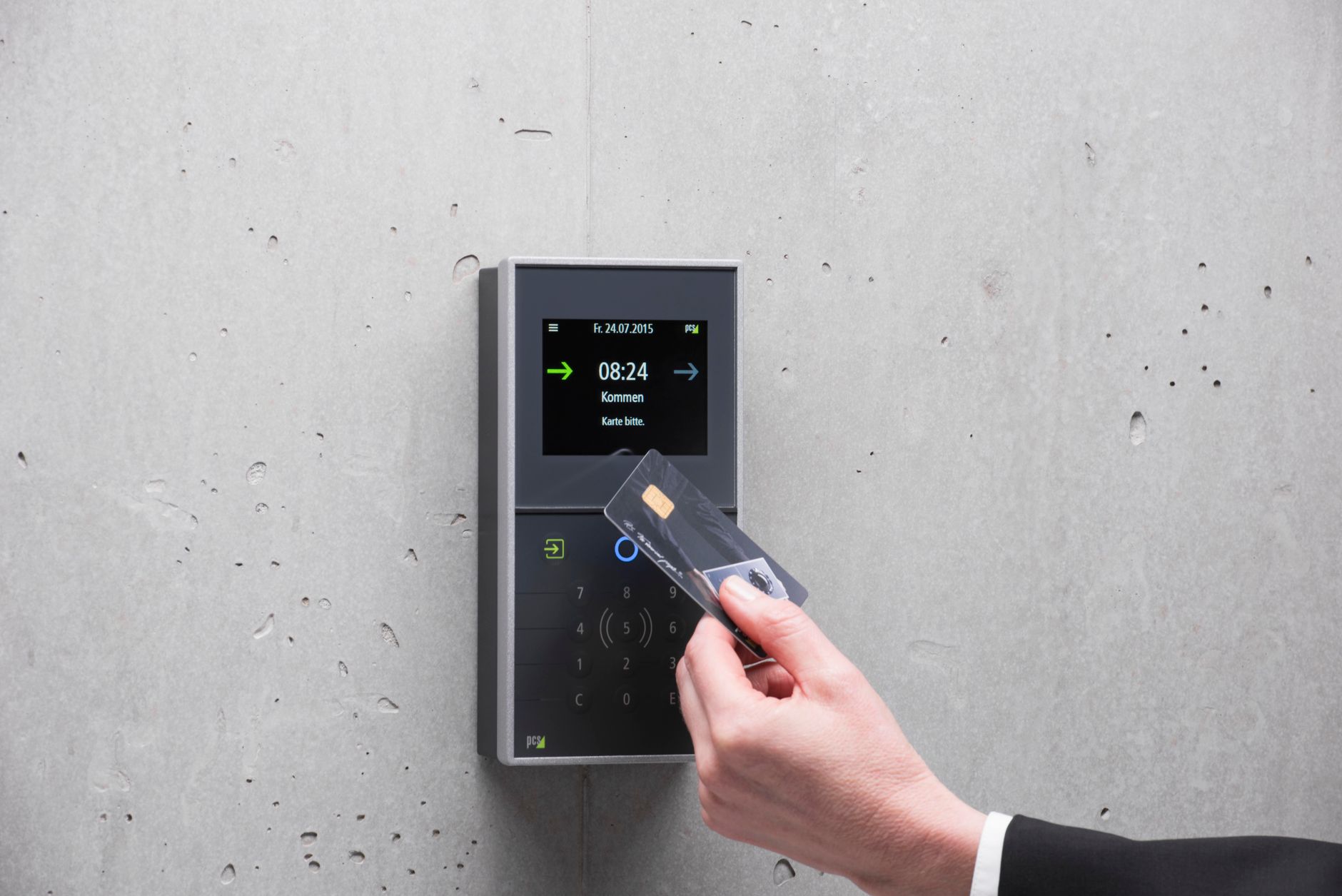
Anti-passback (APB) is a feature of access control systems that prevents a credential from being used a second time to enter an area if the user has not performed a corresponding exit action. It ensures each person is present in a zone only once at any given time.
The operating principle is based on the "IN/OUT" state of each credential. When an employee swipes their card to enter the data center, the system records the IN state. If that person tries to swipe the card for someone else to enter (card borrowing), the system will deny it because the credential is already in the IN state. Only after that person swipes out (OUT) can the credential be used again to enter.
Distinguishing between hard anti-passback (Hard APB) and soft anti-passback (Soft APB)
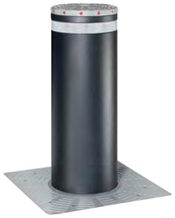


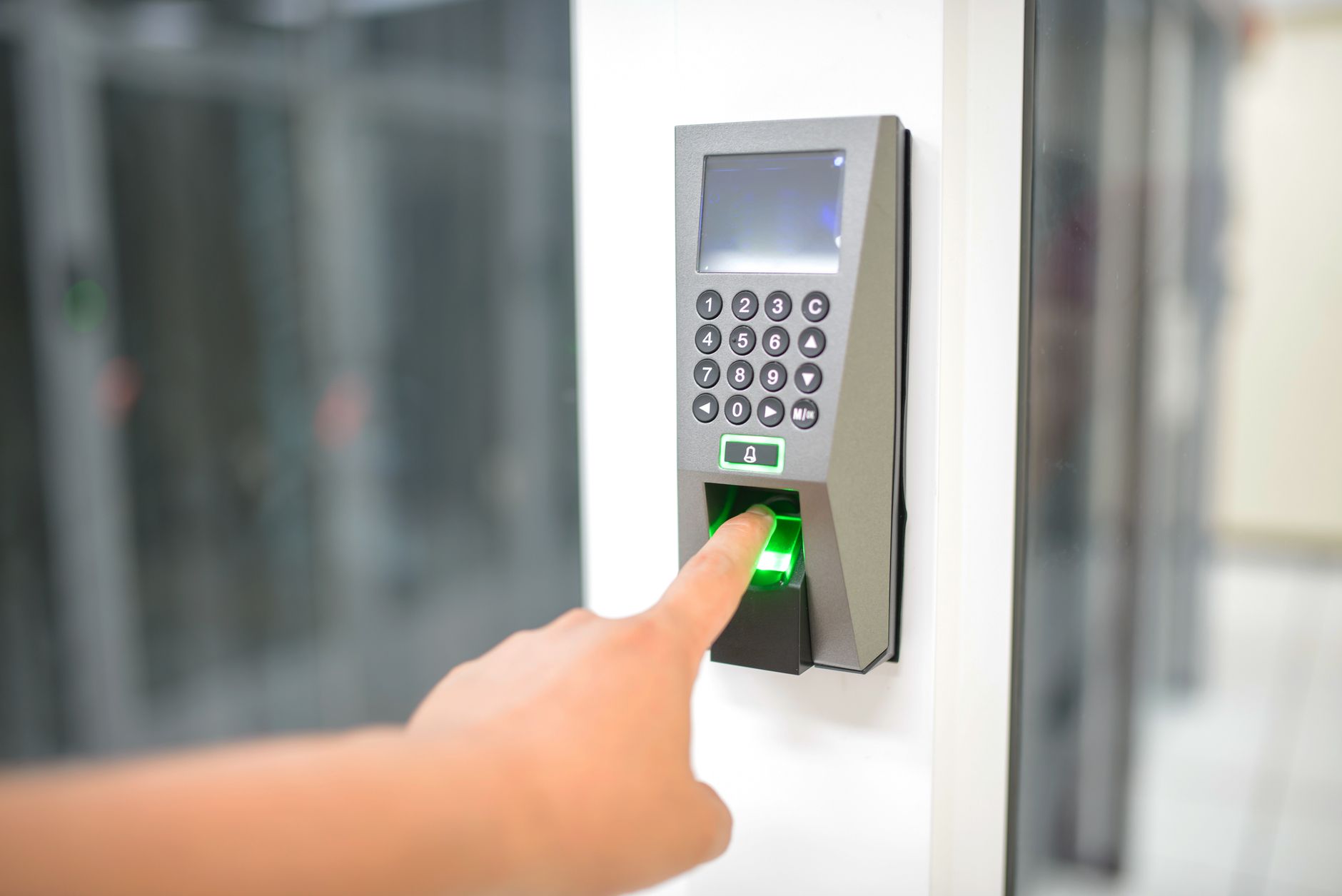
Hard anti-passback (Hard APB) hard-locks the credential upon violation, denying entry for any reason. Soft anti-passback (Soft APB) logs the violation and issues a warning but still allows entry, suitable for high-traffic areas.
In data centers, Hard APB is typically applied to core zones (server room, NOC) where absolute security is required. Soft APB is used for buffer zones (lobby, corridor) to reduce operational friction. Some systems allow flexible configuration per zone and time period.
Why does anti-passback prevent 'card borrowing' and 'tailgating'?
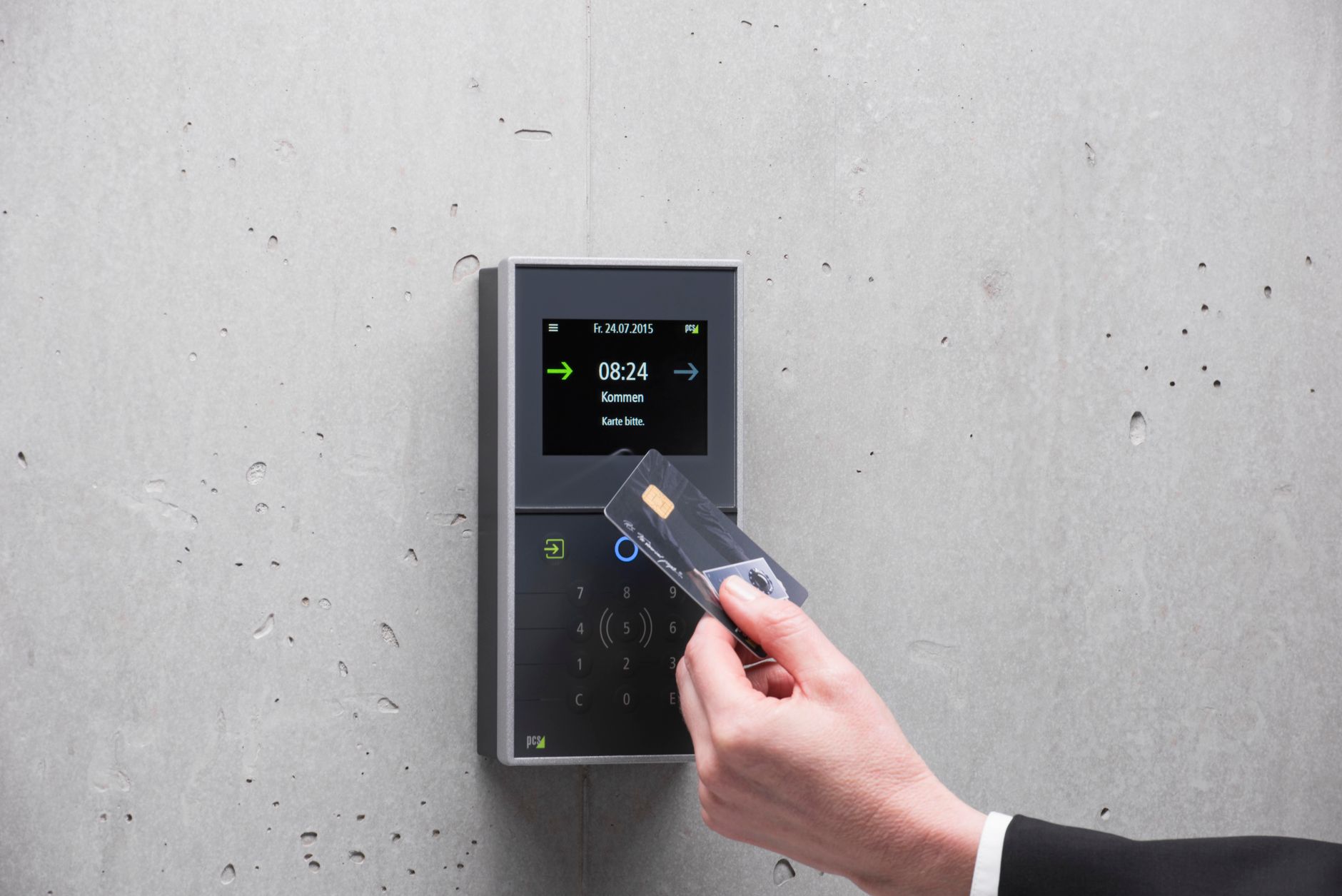
Anti-passback prevents 'card borrowing' by locking the credential after the first entry. It prevents 'tailgating' by combining with turnstiles or one-way gates, forcing each person to have a valid credential to pass through.
Detailed operating mechanism:
- Preventing card borrowing: Employee A swipes their card to enter the data center. Colleague B wants to enter but has no card. A tries to swipe the card again for B → the system denies it because A's credential is in the IN state. B cannot enter.
- Preventing tailgating: At a turnstile or speed gate, only one person can pass through per authentication. If A swipes their card and passes, B tries to sneak in behind and will be detected by sensors, triggering an alarm. Some systems also integrate AI cameras to record "tailgating" events.
Steps to deploy anti-passback for enterprise data centers

Deploying anti-passback for a data center includes 5 steps: surveying protected zones, selecting the APB configuration (hard/soft), integrating hardware (turnstiles, readers), configuring software, and testing.
- Survey protected zones: Identify core zones (server room, UPS room) and buffer zones (corridor, lobby).
- Select APB configuration: Hard APB for core zones, Soft APB for buffer zones. Multi-factor authentication (card + fingerprint) can be combined at entry/exit doors.
- Integrate hardware: Install access control gates (turnstile, speed gate) combined with card/face readers. Use Face ID gates or proximity cards depending on security requirements.
- Configure software: Set up zones, assign credentials, configure APB reset time (e.g., reset after 12 hours if exit is forgotten).
- Test: Simulate scenarios: card borrowing, tailgating, forgotten exit. Adjust warning thresholds.
Comparison table: Hard anti-passback vs Soft anti-passback for data centers
| Criteria | Hard anti-passback (Hard APB) | Soft anti-passback (Soft APB) |
|---|---|---|
| Violation handling mechanism | Immediately denies entry | Logs + warns, still allows entry |
| Security level | Highest | Medium - High |
| Data center application | Core zones: server room, NOC | Buffer zones: corridor, lobby |
| False alarm risk | High (if misconfigured) | Low |
| Suitable for | Tier 3+ data centers | Office server rooms |
Common mistakes when deploying anti-passback in Vietnamese data centers

- Not resetting APB periodically: Employees forget to exit the data center (e.g., going out for a smoke) causing the credential to be locked. Solution: configure auto-reset after 8-12 hours.
- Applying Hard APB to all zones: Causes inconvenience and delays when employees move frequently. Use Soft APB for buffer zones.
- Lack of integration with turnstiles: APB is only effective when combined with physical gates that prevent tailgating. Use
Related articles
Hospital Access Control with AI Face ID: ICU, Pharmacy, Operating Rooms 2026
9 min readFace ID AI attendance & access control for schools and universities: Solutions and costs 2026
8 min read
Start with a free 60-minute site survey
Our senior technical team will visit your site, assess the current setup, and propose a bundle matched to your business model and budget.