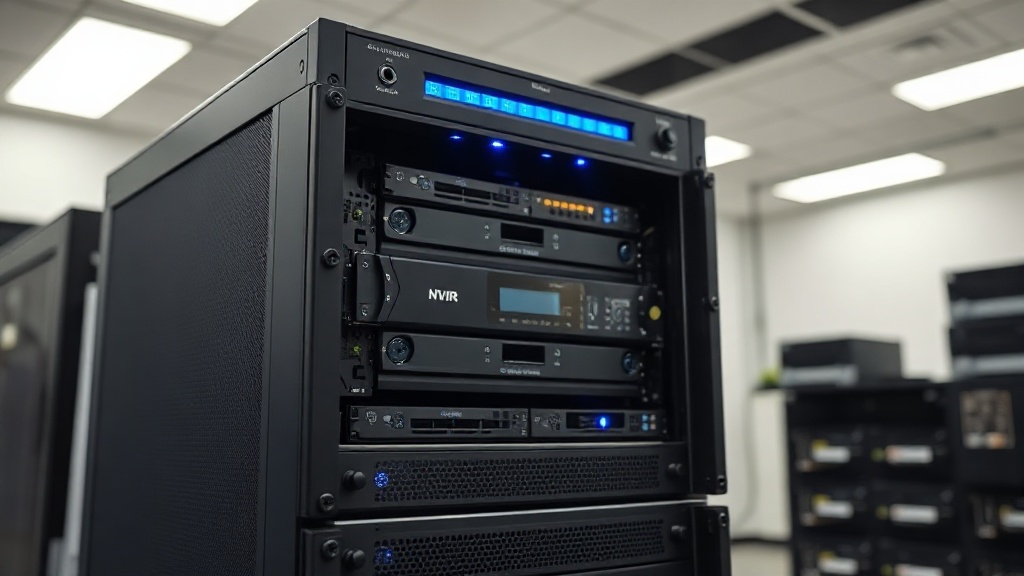
Calculating video storage capacity is a fundamental but easily miscalculated task when designing a 32-camera NVR system. With 32 camera heads, each recording 24/7 for 90 days, the total required capacity can range from 12 TB to over 60 TB depending on resolution, codec, and recording configuration. This article provides the standard formula, a quick reference table, and influencing factors to help you calculate accurately, avoiding wasted or insufficient hard drive space.
How is NVR storage capacity calculated?

Video storage capacity for an NVR depends on the bitrate of each camera, the number of cameras, and the retention period. The basic formula: Capacity (GB) = (Bitrate (Mbps) × 1000 / 8) × Number of cameras × Time (seconds) / (1024^3). Bitrate is the determining factor, influenced by resolution, compression codec, and frames per second.
To simplify, the practical formula often used is: Capacity (TB) = (Average bitrate per camera (Mbps) × Number of cameras × Recording seconds) / (8 × 1024 × 1024). For example: a 4MP H.265 camera with a bitrate of 4 Mbps, recording 24/7 for 90 days: (4 × 32 × 7,776,000) / (8 × 1,048,576) ≈ 118 TB. However, the actual bitrate can be lower if using smart codec or event-based recording.
Formula for calculating hard drive capacity for 32 cameras over 90 days
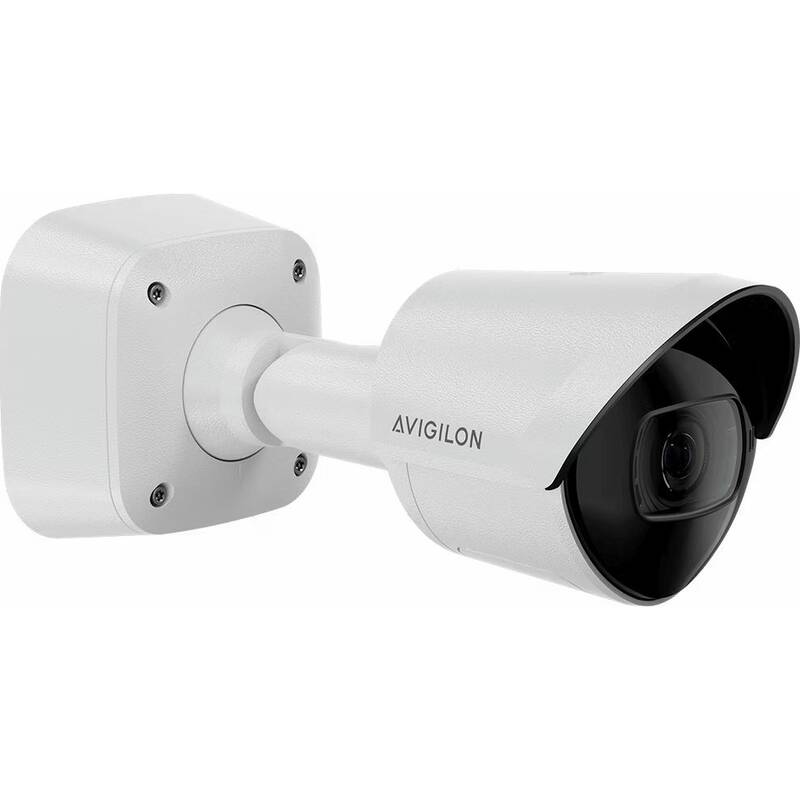
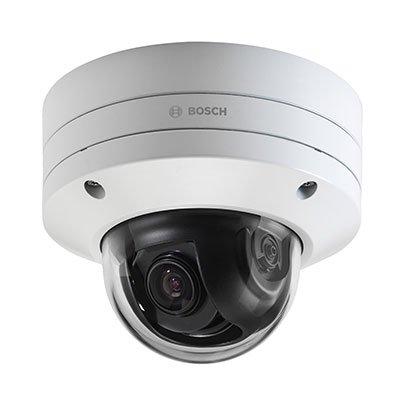

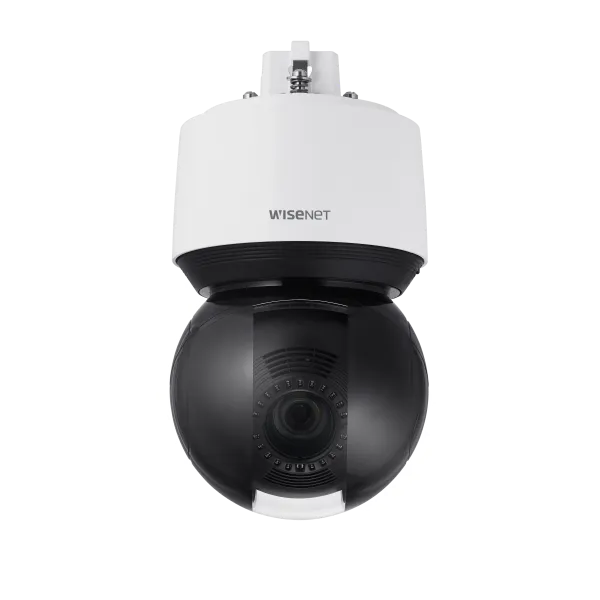

Detailed formula: Capacity (TB) = (Bitrate (Kbps) × Number of cameras × 3600 × 24 × 90) / (8 × 1024 × 1024 × 1024). Bitrate depends on the codec and resolution. For a 2MP H.265 camera, bitrate ~2-3 Mbps; 4MP H.265 ~4-6 Mbps; 8MP H.265 ~8-12 Mbps. Using this formula, you can calculate capacity for any configuration.
- Determine the bitrate per camera: Check the specifications or use default values (e.g., 2MP H.265: 2.5 Mbps; 4MP H.265: 5 Mbps; 8MP H.265: 10 Mbps).
- Calculate total bitrate: Multiply the bitrate by 32 cameras. Example: 5 Mbps × 32 = 160 Mbps.
- Convert to capacity: (160 Mbps × 1,000,000) × 7,776,000 seconds (90 days) / (8 × 1024^3) ≈ 148 TB. This result is the minimum capacity if recording continuously 24/7.
- Apply a reduction factor: If using motion detection recording or smart codec, the reduction factor can be 0.3-0.7. Example: 148 TB × 0.5 = 74 TB.
Quick reference table for 32 cameras over 90 days (H.265)

The table below provides estimated capacity for a 32-camera system using H.265 codec, recording continuously 24/7 for 90 days. Bitrate is taken at an average level. Results may vary depending on actual settings.
| Resolution | Bitrate (Mbps) | Capacity per camera/day (GB) | Total capacity for 32 cameras/90 days (TB) |
|---|---|---|---|
| 2MP (1080p) | 2.5 | 27 | 77.8 |
| 4MP (1440p) | 5.0 | 54 | 155.5 |
| 5MP (1920p) | 6.5 | 70.2 | 202.2 |
| 8MP (4K) | 10.0 | 108 Ready to deploy in 7–14 days Start with a free 60-minute site surveyOur senior technical team will visit your site, assess the current setup, and propose a bundle matched to your business model and budget. |