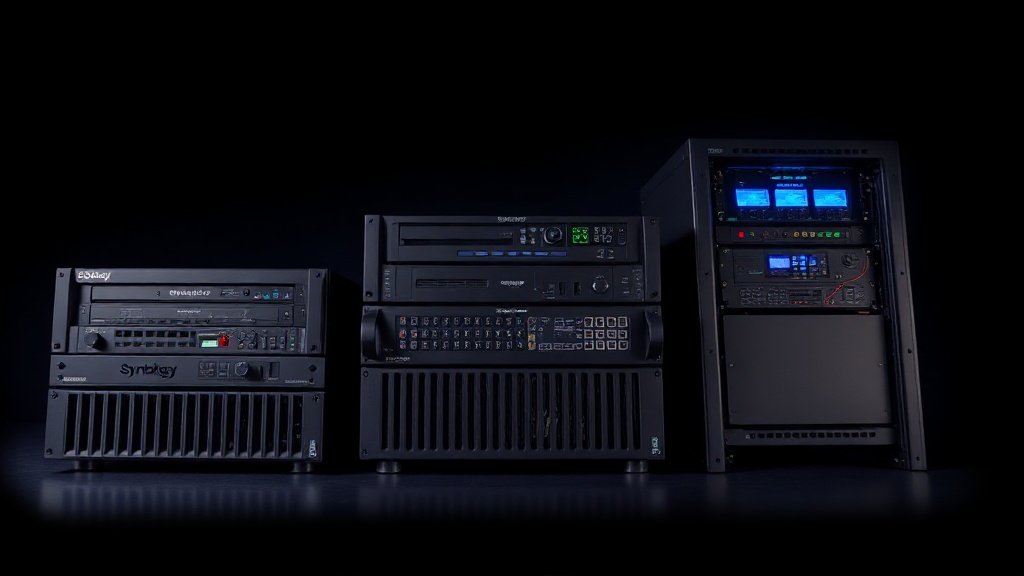
An NVR (Network Video Recorder) is the backbone of a modern surveillance camera system. With the top 3 choices for SMBs and enterprises — Synology DVA, QNAP QVR Pro, Genetec NVR — this article compares licensing costs, AI performance, scalability, and security to help you choose the right solution for a 16-64 camera chain.
What is Synology DVA? Who is it for?
Synology DVA (Deep Video Analytics) is Synology's NVR line with built-in AI, running on DSM with Surveillance Station. The DVA3221 and DVA1622 feature an integrated NPU that handles real-time video analytics without consuming CPU resources. It is suitable for SMBs and retail chains needing out-of-the-box AI — facial recognition, people counting, anomaly detection — with competitive hardware costs.
Synology DVA supports up to 32 cameras with the DVA3221 (4 HDD) and 16 cameras with the DVA1622 (2 HDD). Surveillance Station includes 2 free licenses, with each additional license costing ~45-55 USD. AI analytics run on the NPU without needing a discrete GPU — saving power and ensuring stability. However, if you need more than 32 cameras, you must upgrade to a higher-end DVA or use a Synology Router as a secondary NVR.
What is QNAP QVR Pro? Who is it for?
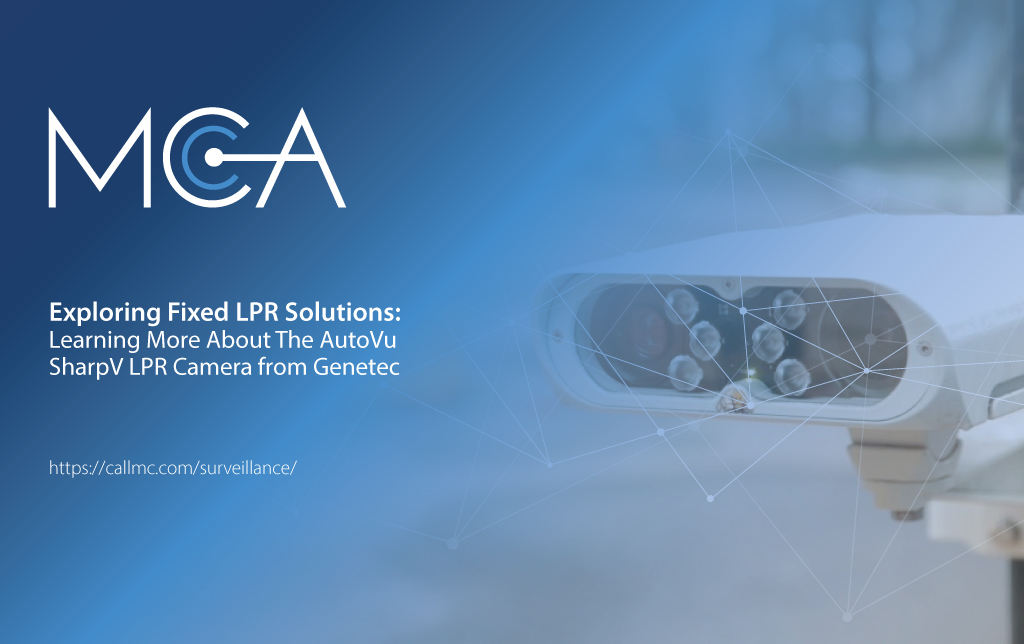
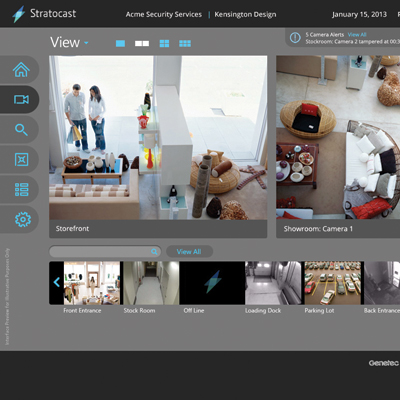

QNAP QVR Pro is an NVR solution integrated on QNAP NAS, running QTS/QuTS hero. QVR Pro turns any QNAP NAS into a professional NVR — from the TS-233 for 4 cameras to the TS-873A for 64+ cameras. It is suitable for users who want hardware flexibility: choose a powerful CPU, large RAM, a discrete GPU for heavy AI, and expand storage up to hundreds of TB.
QVR Pro supports 8 free camera licenses (Pro version), with each additional license costing ~30-40 USD. It supports QVR Pro AI (separate plugin) for video analytics — but requires an NVIDIA GPU for real-time processing. QNAP also has dedicated NVR NAS lines like QVR Elite and QVP-41B. Its strength is the lowest license cost among the three solutions, but AI is not as powerful as Synology DVA without investing in a GPU.
What is Genetec NVR? Who is it for?
Genetec Security Center is an enterprise VMS (Video Management System) platform, not a simple hardware NVR. It runs on Windows/Linux servers, centrally managing thousands of cameras, integrating KSRV, ALPR, and analytics. It is suitable for large enterprises, banks, airports, and chains with 50+ cameras requiring high security and GDPR/PCI DSS compliance.
Genetec does not sell hardware — you choose an HP/Dell/Lenovo server or the cloud. Camera license costs range from 150-300 USD/camera/year (depending on the module). It supports powerful AI through Genetec Mission Control, AutoVu ALPR, and third-party integrations. Enterprise security: end-to-end encryption, audit logs, failover clusters. However, costs are 3-5 times higher than Synology/QNAP, only suitable for large-scale operations or strict compliance requirements.
Detailed Comparison: Synology DVA vs QNAP QVR Pro vs Genetec NVR

| Criteria | Synology DVA | QNAP QVR Pro | Genetec NVR |
|---|---|---|---|
| Minimum Hardware | DVA3221 (Intel Celeron J4125, 4GB RAM, NPU) | TS-873A (AMD Ryzen, 8GB RAM, GPU option) | Xeon Server (HP DL380, 32GB RAM, SSD RAID) |
| Maximum Cameras | 32 (DVA3221) | 64+ (depending on NAS) | 1000+ (cluster) |
| Free Licenses | 2 cameras | 8 cameras (QVR Pro) | 0 (separate modules) |
| Additional License Cost | 45-55 USD/camera |