
NVR (Network Video Recorder) storage capacity is one of the key factors determining the effectiveness of a business's security camera system. Miscalculate — buy too little and risk data loss, buy too much and waste budget. In Vietnam, many businesses (supermarkets, factories, offices) still choose NVR capacity based on "experience" rather than a formula, leading to the loss of critical video footage during theft incidents or labor disputes.
Common IT management issues when choosing an NVR

IT and corporate security managers often face the question: Is a 2TB NVR enough for 8 4MP cameras recording 24/7 for 30 days? Or how many TB of NVR should be purchased for safe storage? The problem arises from a lack of understanding of the relationship between resolution, frame rate, bitrate, and storage time.
Accurate formula for calculating NVR capacity
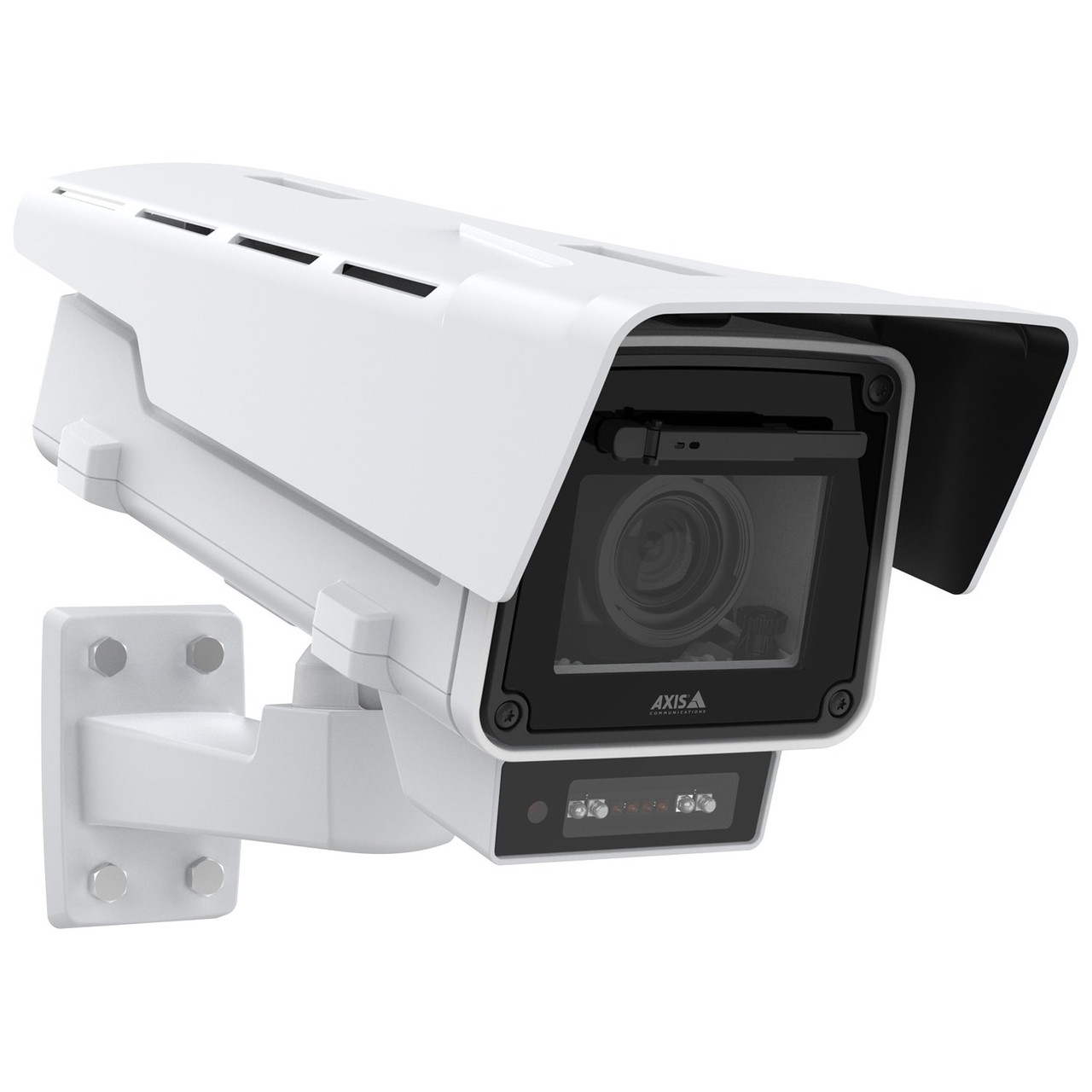


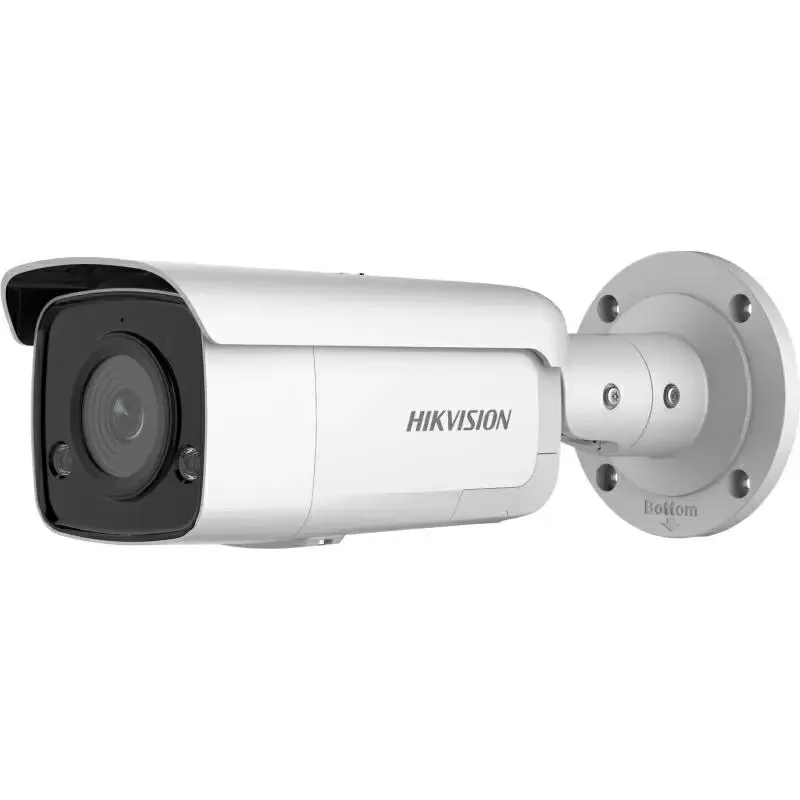

The basic formula for calculating NVR storage capacity is: Capacity (GB) = (Bitrate × 3600 × Hours of recording/day × Number of retention days × Number of cameras) / 8 / 1024. However, to apply this formula accurately, you need to correctly identify each component: camera bitrate (Mbps), recording time per day, number of retention days, and the number of connected cameras.
- Step 1: Determine the camera bitrate
Bitrate depends on resolution and compression codec. A 4MP H.264 camera typically uses 4-8 Mbps, a 2MP H.265 camera can use 1-3 Mbps. Check the camera datasheet or configuration in the NVR for the exact value. - Step 2: Calculate recording time per day
If recording 24/7 = 24 hours. If recording only during business hours (8 AM - 6 PM) = 10 hours. If recording on motion detection = estimate 4-8 hours/day depending on the area. - Step 3: Determine the required retention period
Vietnamese law requires a minimum of 30 days of storage for most businesses. Supermarkets and retail stores may store for 45-60 days. Factories store for 90 days or more. - Step 4: Apply the formula
Example: 8 4MP cameras (6 Mbps), recording 24/7, retaining for 30 days: Capacity = (6 × 3600 × 24 × 30 × 8) / 8 / 1024 = 4.32 TB ≈ 5 TB (add 20% buffer). - Step 5: Add a 15-20% buffer
To avoid the NVR running at 100% capacity (affecting performance), add 15-20% to the final figure. If the calculation yields 5 TB, buying a 6 TB NVR is safe.
NVR capacity calculation table by resolution and retention period

The table below allows you to quickly determine the required NVR capacity based on the number of cameras, resolution, codec, and retention period. The figures already include a 20% buffer.
| Resolution | Codec | Bitrate (Mbps) | 8 cameras, 24/7, 30 days | 8 cameras, 24/7, 60 days |
|---|---|---|---|---|
| 2MP (1080p) | Related articlesCamera AI Agentic — a shift from 'recording' to 'detection' for retail chains8 min readVision Language Model in AI Cameras: The 2024-2026 Leap from Filters to Natural Language Descriptions12 min read Ready to deploy in 7–14 days Start with a free 60-minute site surveyOur senior technical team will visit your site, assess the current setup, and propose a bundle matched to your business model and budget. |