
VMS multi-site (Video Management System) is a centralized video management solution for organizations with multiple locations, enabling operation, monitoring, and analysis from a single interface. With a supermarket chain of 50+ branches, each store having 8-16 cameras, the total number of cameras reaches 400-800 units — manual management or disparate systems cause numerous security, cost, and performance issues.
Problems 50+ branch supermarket chains face with camera systems

Large supermarket chains typically face 5 main problems: (1) no overall view of chain-wide operations, (2) scattered video data difficult to retrieve, (3) high IT and operational personnel costs, (4) slow incident response capability, (5) lack of data analysis tools to optimize business.
- ⚠️ No central dashboard: Each branch operates independently, unable to view all cameras simultaneously from one place. When an incident occurs, you have to call each store to check.
- ⚠️ Fragmented data: Video stored scattered across individual NVRs/DVRs, difficult to retrieve when investigating fraud, shrinkage, or customer complaints.
- ⚠️ High personnel costs: Each branch needs at least 1 part-time IT staff to manage cameras — with 50 branches, total cost reaches 1-1.5 billion VND/year.
- ⚠️ Slow response: Security incidents (theft, fire) are often detected 24-48 hours later, when it's too late to intervene.
- ⚠️ Lack of analytics: No data on customer behavior, traffic flow, display effectiveness — missing opportunities to optimize revenue.
How does the VMS multi-site solution work?
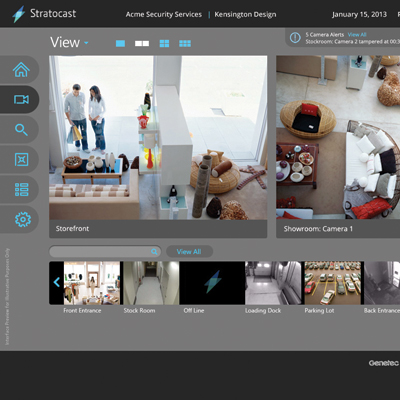
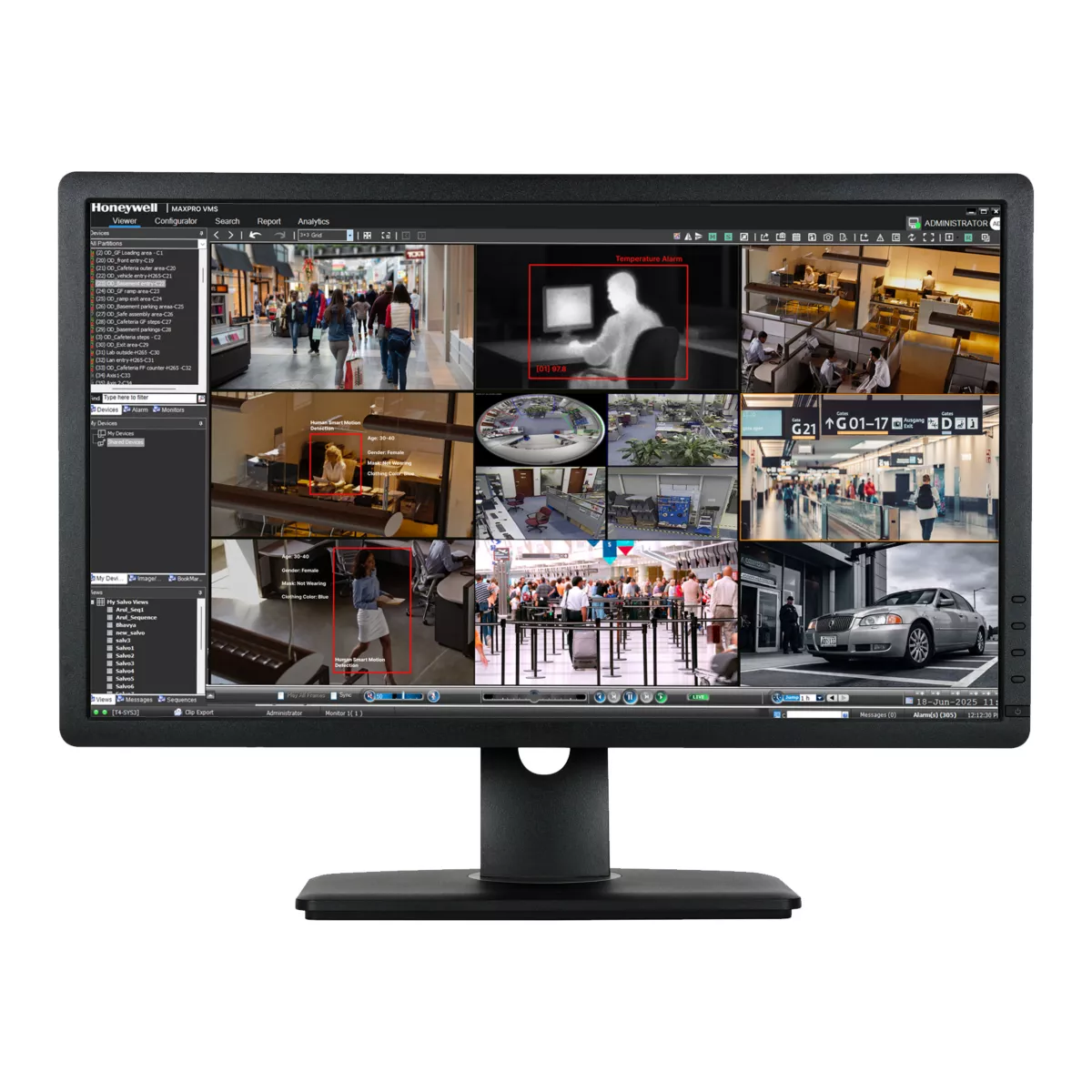
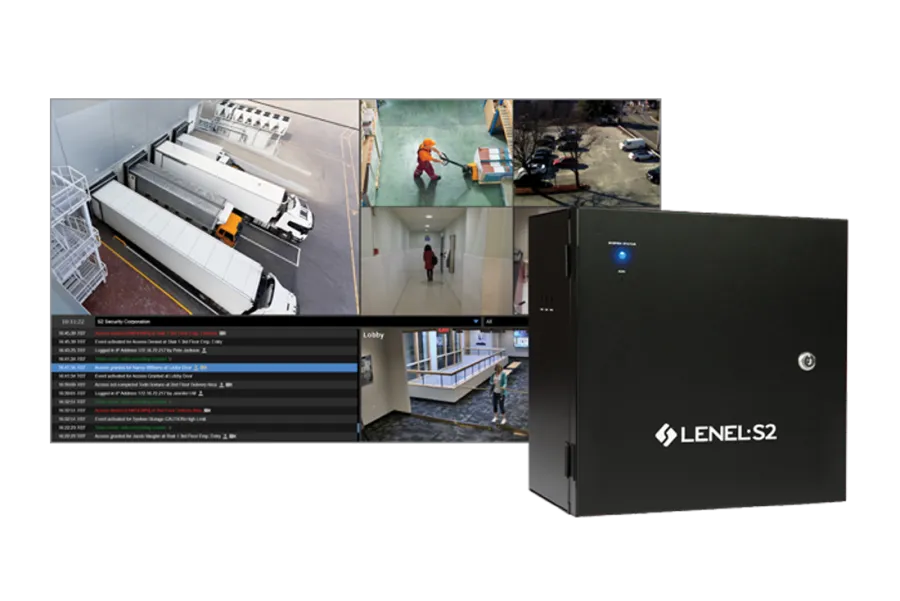

VMS multi-site connects all cameras from branches to a central server (on-premise or cloud). The system allows live viewing, playback, user management, automatic alerts, and AI analytics integration — all from a single interface.
- 🔹 Step 1: Install IP cameras at each branch — connect via PoE switch, integrate with on-site NVR or record directly to the central server.
- 🔹 Step 2: Deploy VMS server at the data center (or cloud) — install software such as Genetec Security Center, Milestone XProtect, Dahua DSS.
- 🔹 Step 3: Configure connection from each branch to the VMS server via VPN/MPLS — ensure minimum bandwidth of 2-5 Mbps/branch for 8-16 cameras.
- 🔹 Step 4: Set up user permissions — operations director views all, store managers view only their branch.
- 🔹 Step 5: Activate AI features — detect anomalies (crowding, theft, forgotten doors), people counting, realtime alerts.
Specific benefits of deploying VMS multi-site

Centralized monitoring
View live all cameras from 50+ branches on one screen — detect incidents immediately, reduce response time by 60%.
Save 30-45% on costs
Reduce IT staff at each branch, optimize bandwidth, share servers and licenses — operational costs decrease significantly.
Fast retrieval
Search video by time, event, camera — support fraud and shrinkage investigation in 5-10 minutes instead of 1-2 days.
Business analytics
People counting data, heatmaps, dwell time — help optimize layout, work schedules, marketing campaigns.
Automatic alerts
Receive realtime notifications for break-ins, forgotten doors, or overcrowding — intervene promptly.
Enhanced security
End-to-end video encryption, detailed permissions, audit logs — meet PCI DSS standards for payments.
VMS multi-site system architecture: Key components
Related articles
How to choose a smart camera for luxury villas: Criteria & solutions
4 min readSmart villa cameras: Selection & installation criteria for luxury villas 2026
7 min readStart with a free 60-minute site survey
Our senior technical team will visit your site, assess the current setup, and propose a bundle matched to your business model and budget.