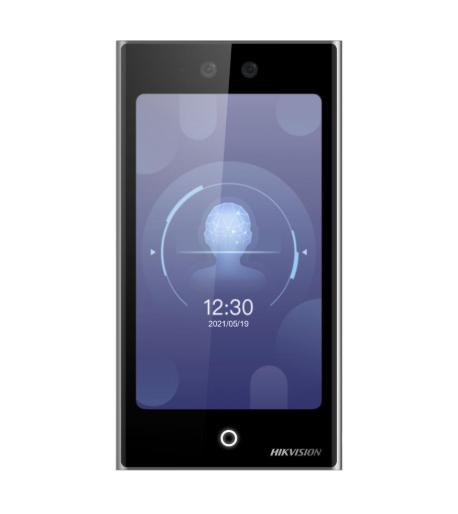
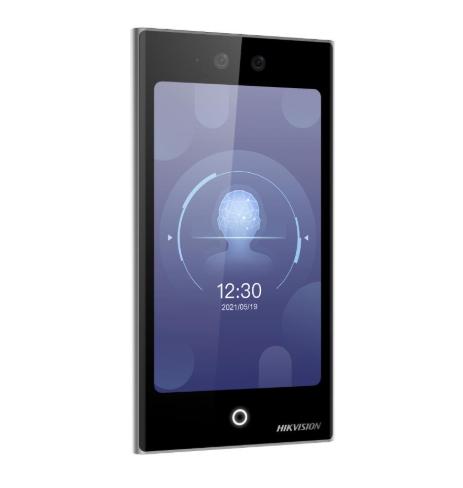
Installation guide for UFACE602, UFACE902, IFACE800, IFACE302, IFACE702, GIGATA FA113 facial recognition time attendance terminals. Working voltage DC12V, working current 500mA, standby current 50mA. Supports door sensor, exit button, Time Ring, door lock, Ethernet, RS232, RS485, Wiegand26 connections.
Key Features
- Installation notice: the product is mass-produced and complies with the manufacturing and inspection criteria of China, the United States, and the EU.
- Before installation, make sure the power supply has been cut off.
- All exposed conductor ends of the connection wires must not exceed 5mm to prevent accidental contact between conductive wires that could damage the device; using colored cables for connection is recommended.
- In locations with strong vibration or in winter, connect the ground first to prevent static electricity buildup from damaging the device.
- Connect the power supply to the device last to avoid wiring-related issues.
- After installation is complete, when testing the door exit button, keep one person outside.
- The device provides a self-test function; after installation, run the self-test function to confirm the installation is complete.
- It is recommended to use a 12V/3A DC power supply for the access control device, and the electric lock should be powered at 12VDC with current not exceeding 1.5A; the power supply current must be above 1A relative to the lock.
- Before the device is connected, read and follow the "Quick Connection Guide".
- If the distance between the power adapter and the device is too long, do not use twisted pairs or other types of ferrules for the wires.
- Use dedicated RS485 cable and RS232/485 converter with power supply for network connection; a bus structure is applied to connect to each device; when a long cable is used to transmit signals, a matching resistor with a value of 120Ώ must be connected.
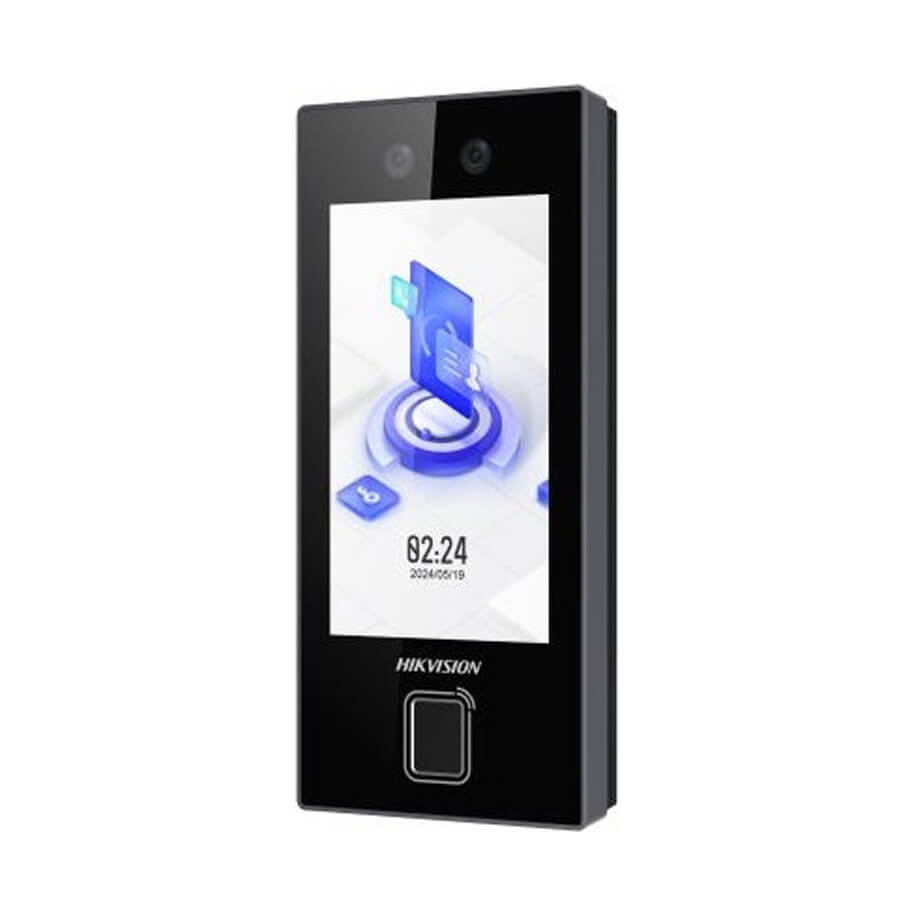
Suitable For Use
- Installation of UFACE602 facial recognition time attendance terminal
- Installation of UFACE302 facial recognition time attendance terminal
- Installation of UFACE902 facial recognition time attendance terminal
- Installation of IFACE800 facial recognition time attendance terminal
- Installation of IFACE702 facial recognition time attendance terminal
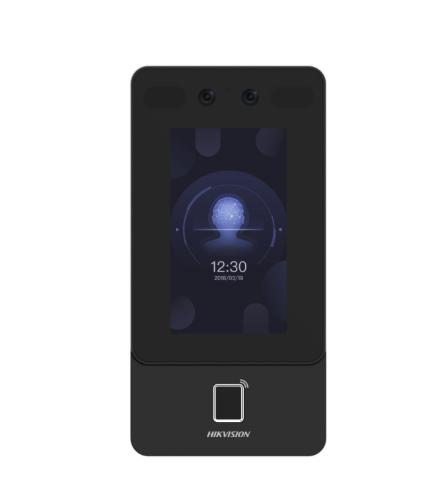
- Installation of GIGATA FA113 facial recognition time attendance terminal
- Installation of UFACE402 facial recognition time attendance terminal
- Installation of SFACE900 facial recognition time attendance terminal
Contact 0796 700 777 for a quote.
| Điện áp làm việc | DC12V |
|---|---|
| Dòng điện làm việc | 500mA |
| Dòng điện chờ | 50mA |
| Nguồn khuyến nghị cho thiết bị kiểm soát ra vào | DC12V/3A |
| Nguồn khóa điện | 12VDC, dòng không quá 1,5A |
| Điện trở đầu cuối RS485 | 120Ώ |
| Chiều dài đầu dây tiếp xúc tối đa | 5mm |
| Chiều cao lắp đặt mẫu giấy khuyến nghị | 1,2m trên mặt đất |
| Chiều cao người dùng giả định | 1,5m - 1,85m |
| Số vít lắp tấm gắn | 3 vít |
| Khoảng cách nút thoát đến mặt đất | khoảng 1400mm |
| Giới hạn chiều dài đường Wiegand đến bộ điều khiển | 90 mét |
| Chuẩn đầu ra Wiegand | Wiegand26 |
| Diode bảo vệ khóa điện | FR107 (không đảo ngược cực) |