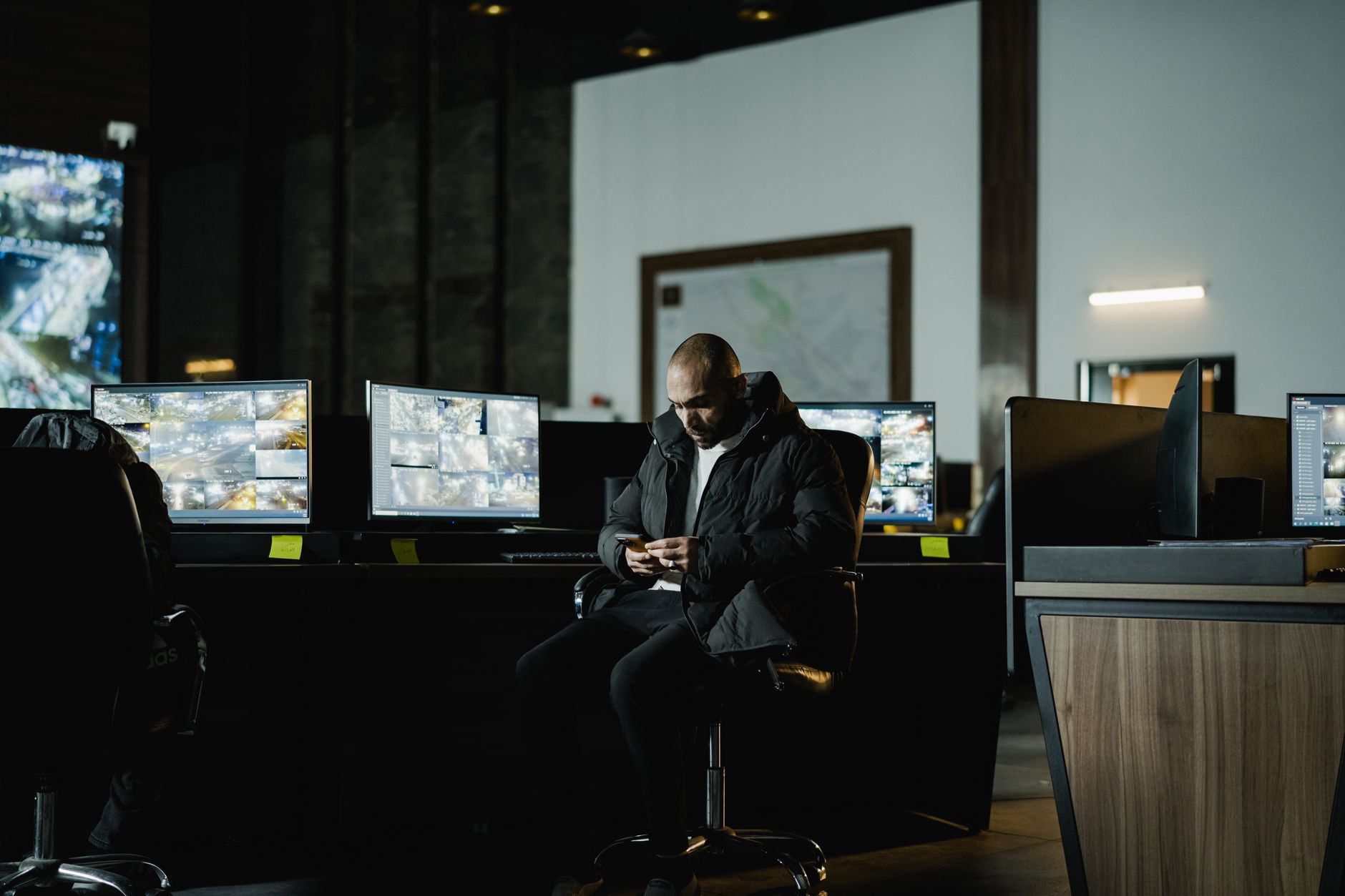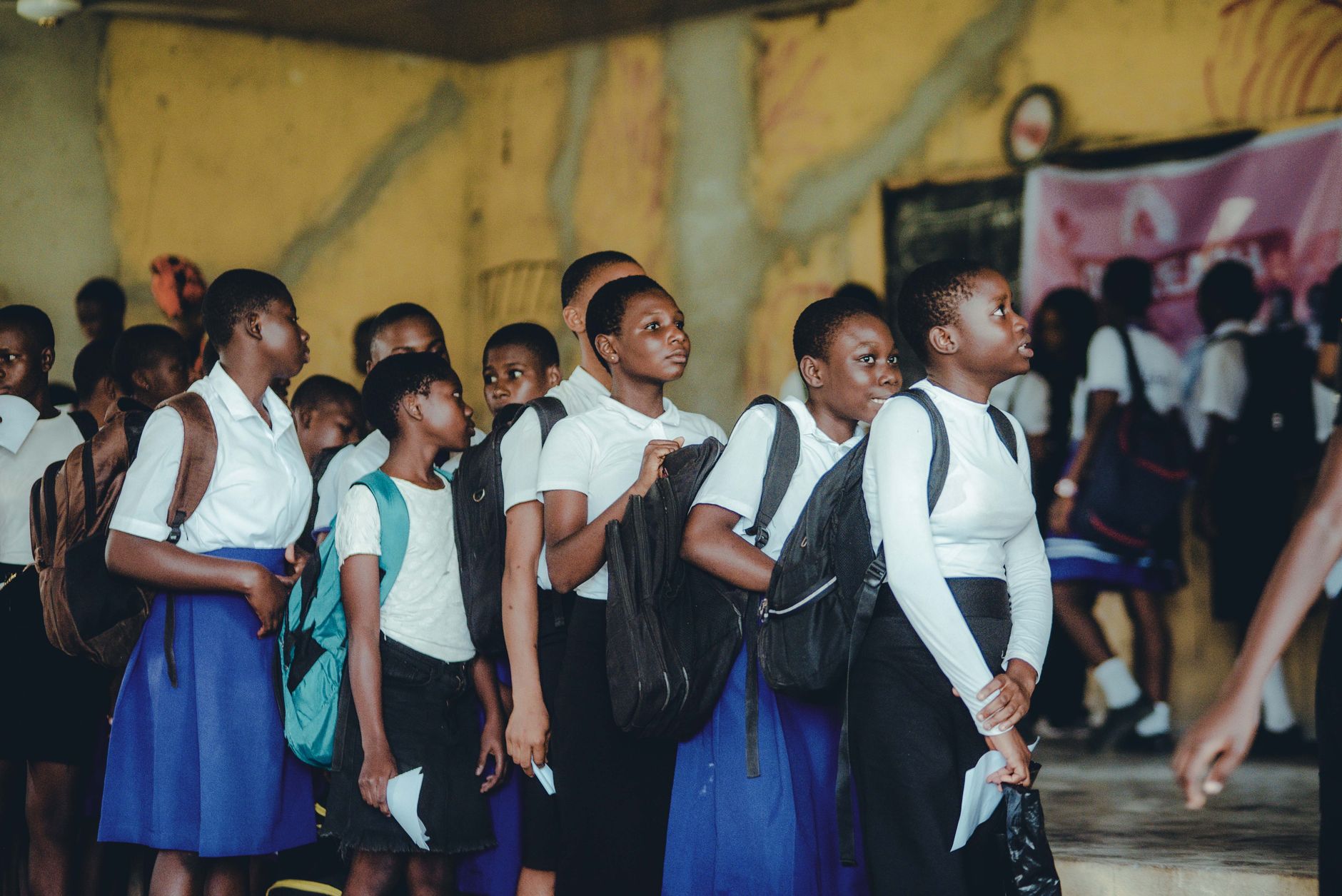
AI people counting cameras for school canteens are a solution that integrates computer vision into surveillance systems, automatically counting the number of students entering and exiting and measuring occupancy in real-time. In Vietnam, schools with 500-3000 students are deploying this technology to reduce peak-hour congestion, optimize kitchen staff, and cut food waste by 15-25% each month.
Problems school canteens are facing

⚠ Peak-hour congestion: 70% of students concentrate during 2-3 lunch time slots, average waiting time is 15-25 minutes, affecting break time and afternoon classes.
⚠ Lack of occupancy data: Not knowing the exact number of students present leads to over-preparation or under-preparation of food, wasting 20-30% of ingredients.
⚠ Manual staff management: Scheduling service staff based on experience, not on actual demand, causing labor waste.
⚠ No performance measurement: Lack of metrics to evaluate service time, return rate, and the efficiency of each counter.
How does AI people counting camera for canteens work?
- Step 1 – Survey and Planning: Survey the current state of the canteen, measure the area dimensions, identify entry/exit doors and service counters. Manually record traffic for at least 3-5 days to establish a baseline.
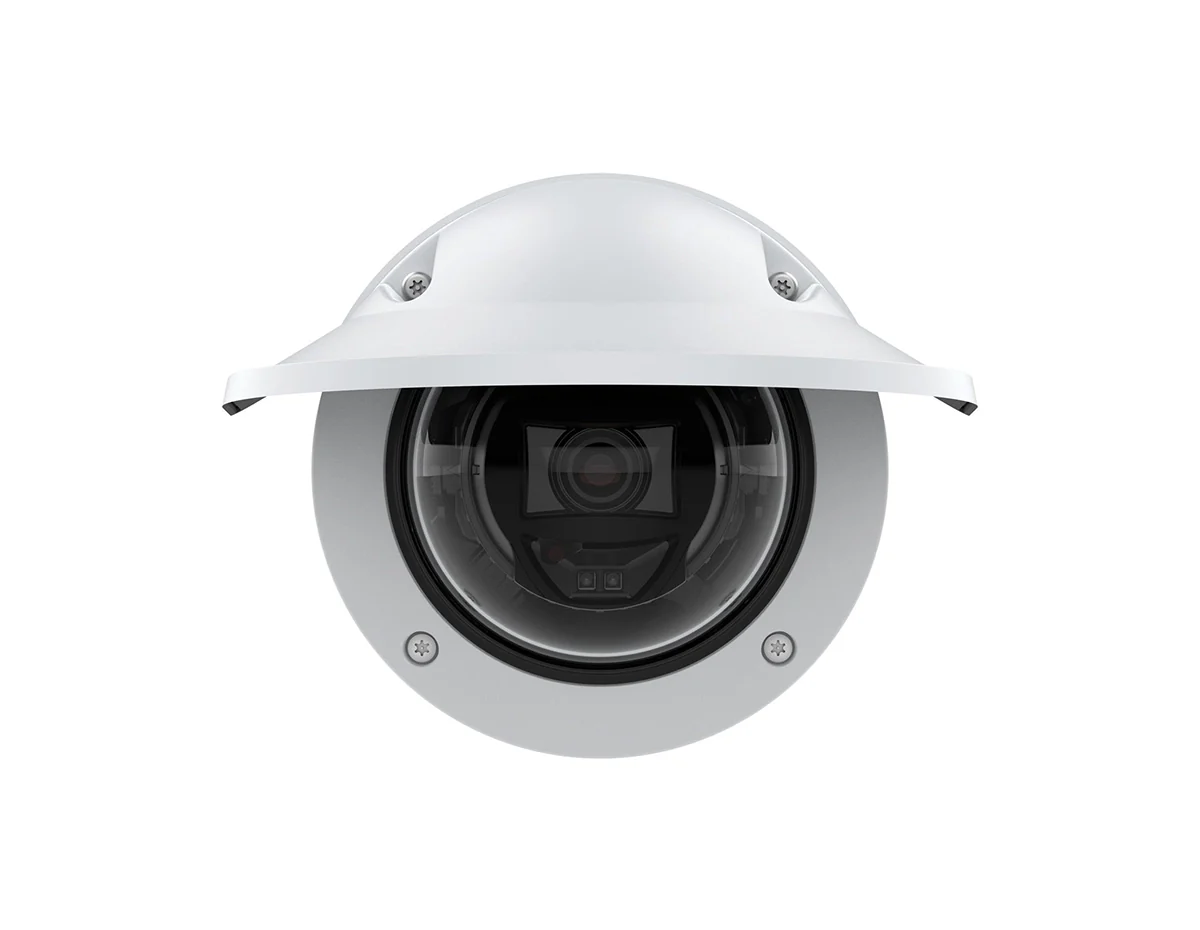
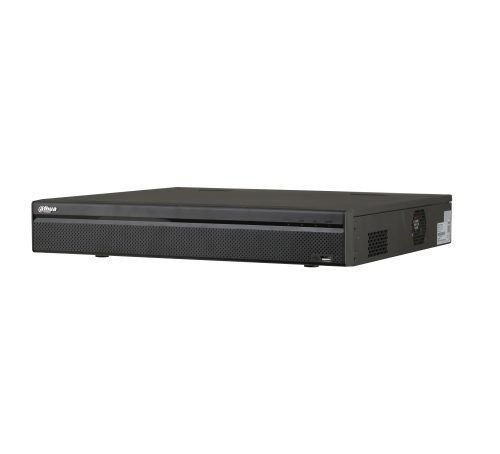
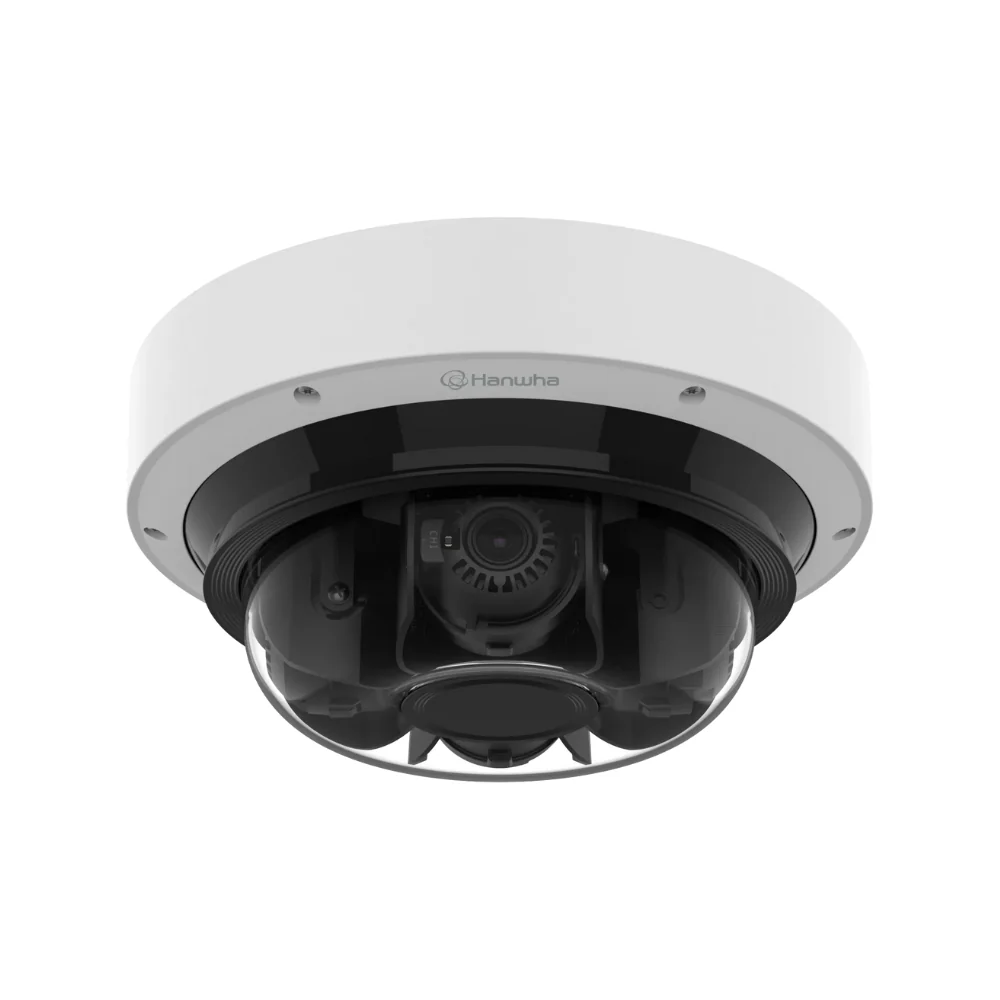
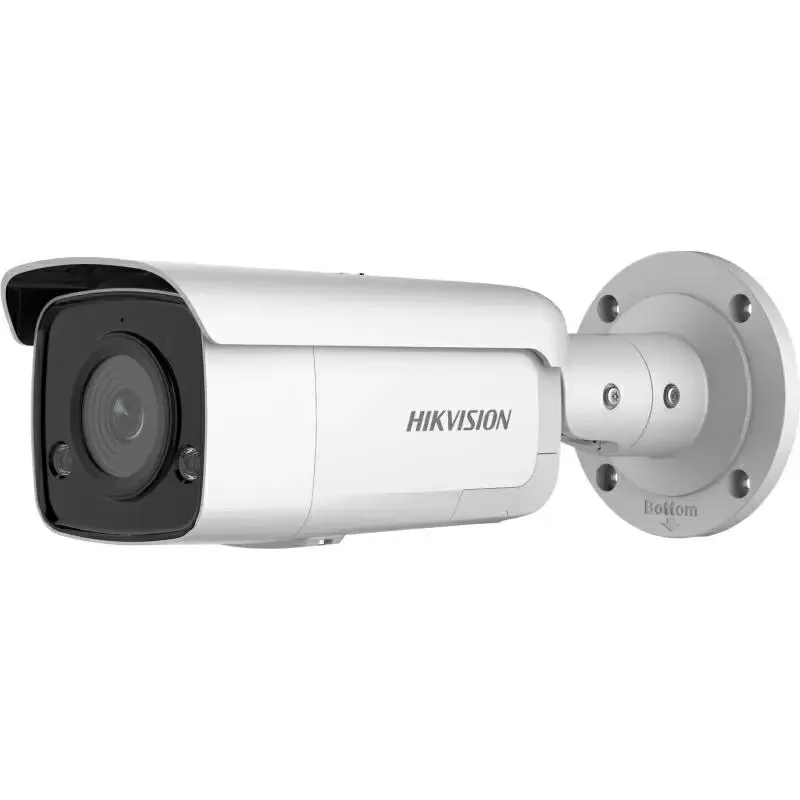
- Step 2 – Select Equipment: AI stereo vision cameras (Xovis PC3) or single AI cameras (Dahua WizMind) mounted on the ceiling, with a 60-90 degree viewing angle, resolution ≥ 4MP. Edge AI processing system or AI-integrated NVR.
- Step 3 – Installation and Calibration: Install cameras at each entry/exit door and payment counter, 2.5-3 meters above the ground. Adjust the angle so the counting area is clear, avoiding obstructions from pillars or signs.
- Step 4 – Software Configuration: Set up counting lines, maximum occupancy thresholds, and real-time alerts. Integrate a dashboard displaying traffic by hour, day, and week.
- Step 5 – Operation and Optimization: Monitor data for the first 2-4 weeks, adjust staff schedules and counter capacity based on actual occupancy. Evaluate ROI after 1-2 months.
Specific benefits of deployment
Application in high schools
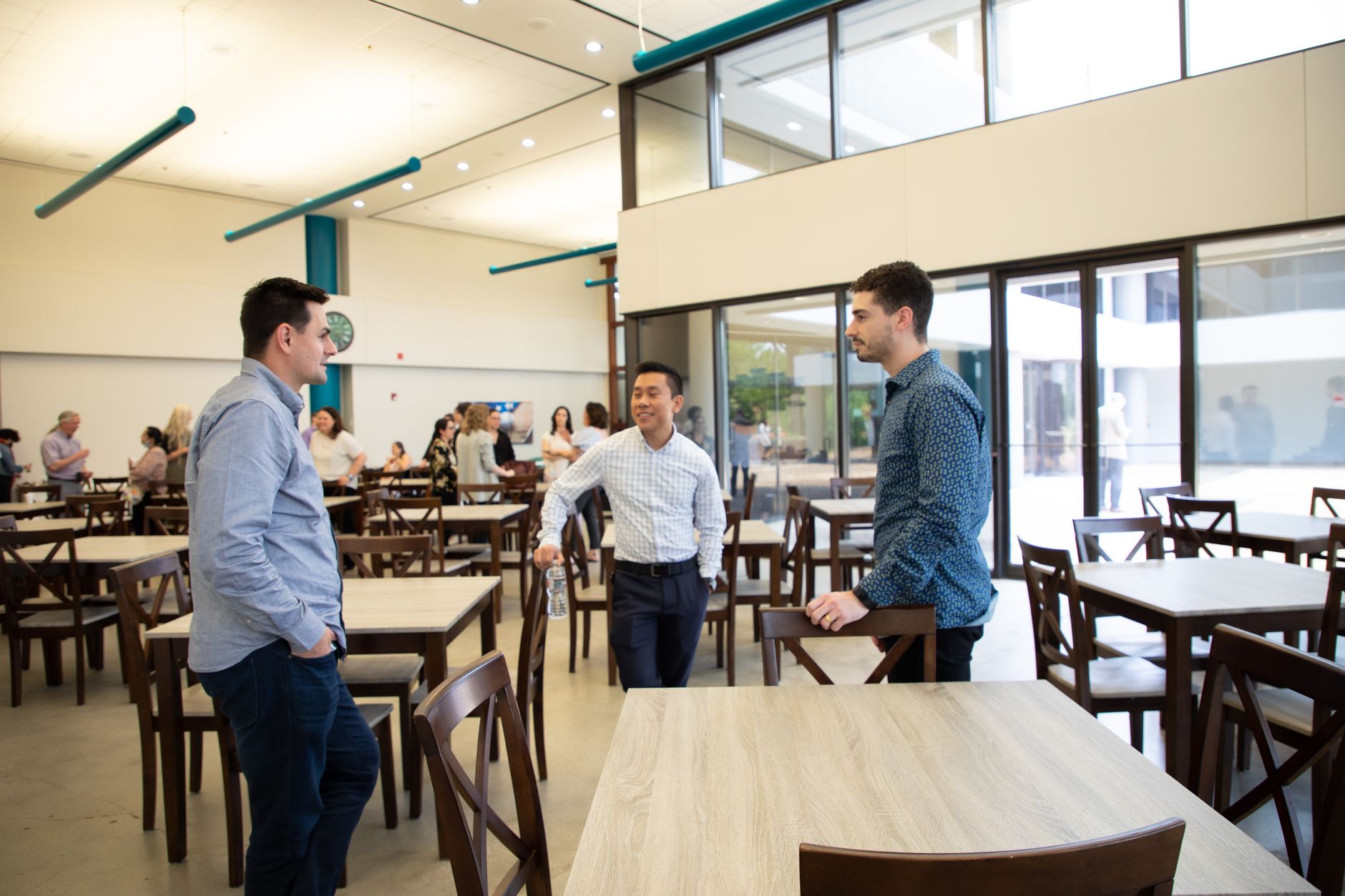
In a high school with 2000 students, the canteen typically has 1 main dining area and 4-6 service counters. AI cameras are placed at 2 entry/exit doors and 3 payment counters. Occupancy data helps the school open an additional counter during the 11:00-12:30 timeframe, reducing waiting time from 22 minutes to 8 minutes. The system also alerts when occupancy exceeds 80% capacity, helping to coordinate students entering and exiting in rotation.
Application in university canteens and dormitories
A university canteen with 5000 meals/day has uneven traffic distribution between sessions. AI stereo vision cameras (Xovis PC3) achieve 98% accuracy in crowded conditions. Data from the first 3 months showed that 65% of students eat during the 11:30-12:30 timeframe and 20% during the 17:00-18:00 timeframe. The university adjusted flexible lunch breaks for different departments, reducing crowding by 35%.
Recommended products