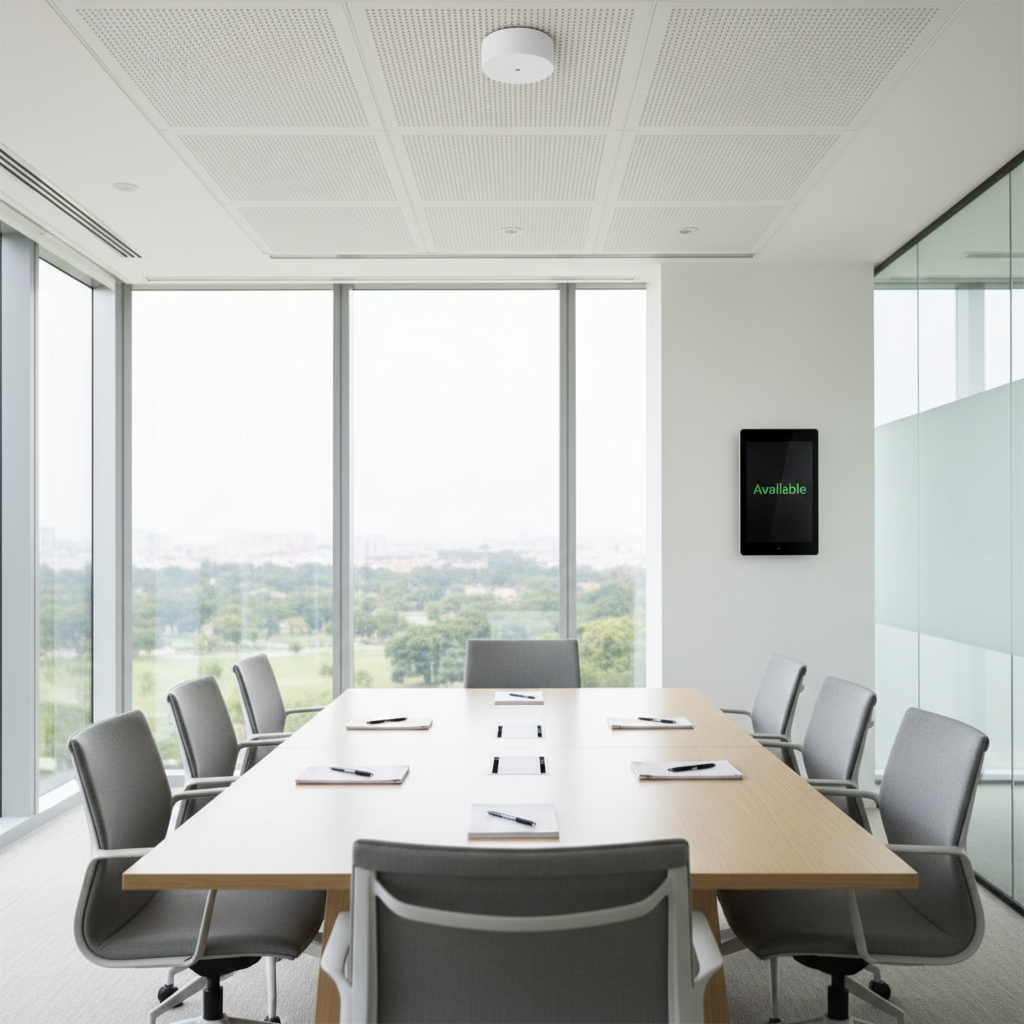
A meeting room occupancy sensor is an IoT device that detects the presence of people in an enclosed space, combining with a real-time room booking system to automatically update room status — helping a 50-person office eliminate the problem of booked but empty meeting rooms, saving 20-35% on operational space costs.
Common meeting room problems for a 50-person office

⚠ Meeting rooms booked but not used — employees book rooms "to save a spot" then cancel at the last minute or forget to cancel, leaving rooms empty for 20-40% of prime time slots.
⚠ Not knowing which rooms are actually free — the Google Calendar schedule shows "busy" but the room is empty, forcing employees to check each room manually, wasting 5-10 minutes each time.
⚠ Schedule conflicts and double-booking — with 2-4 meeting rooms for 50 people, the schedule conflict rate reaches 15-20% during peak hours (9 AM - 11 AM).
⚠ No data to optimize space — businesses don't know which rooms are underutilized or overutilized, leading to wrong decisions about renting additional space.
How does the occupancy sensor + real-time booking solution work?
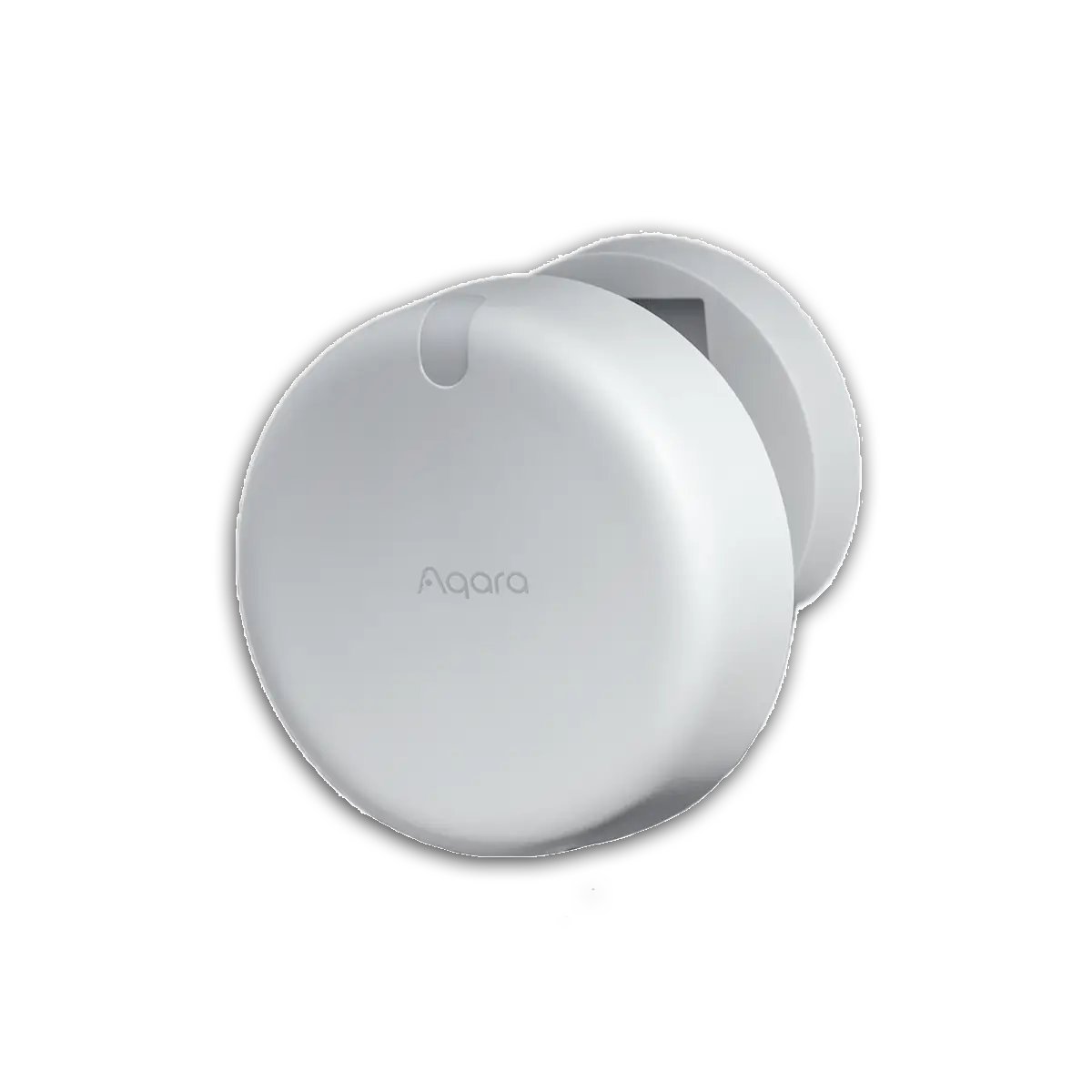
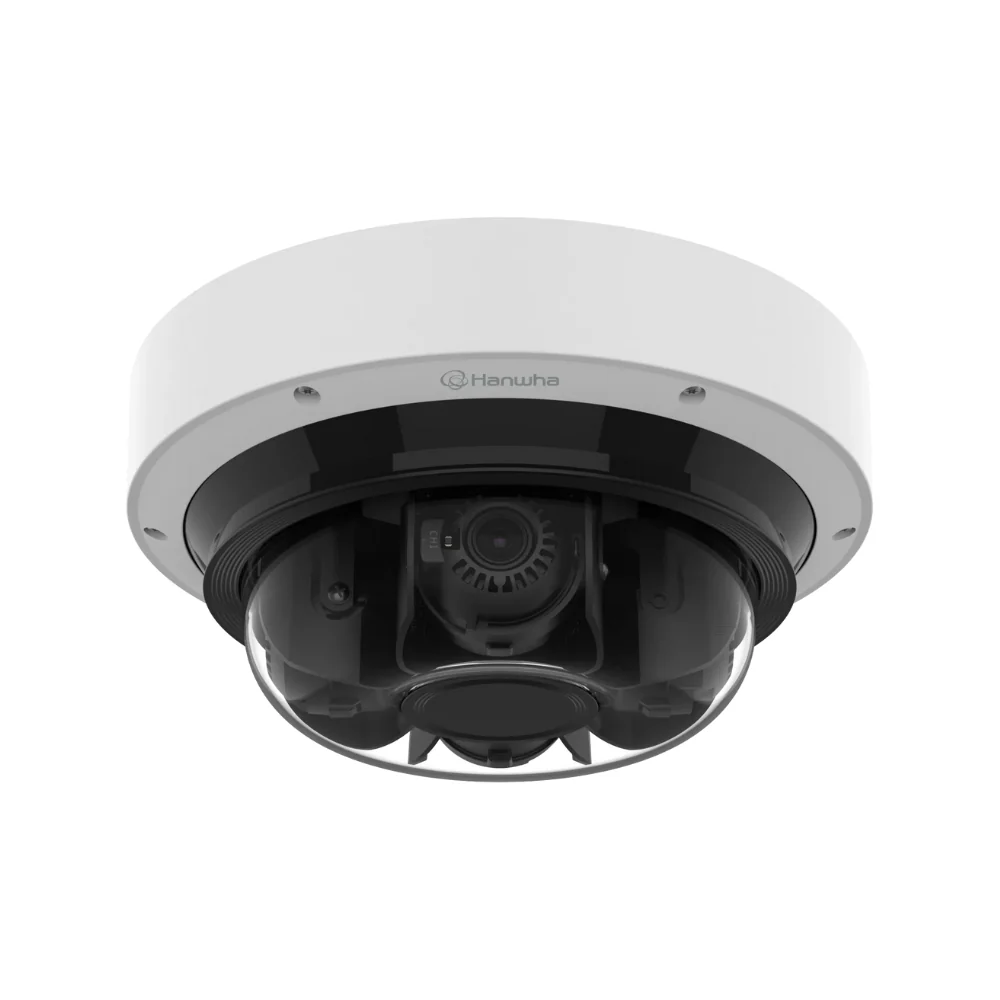
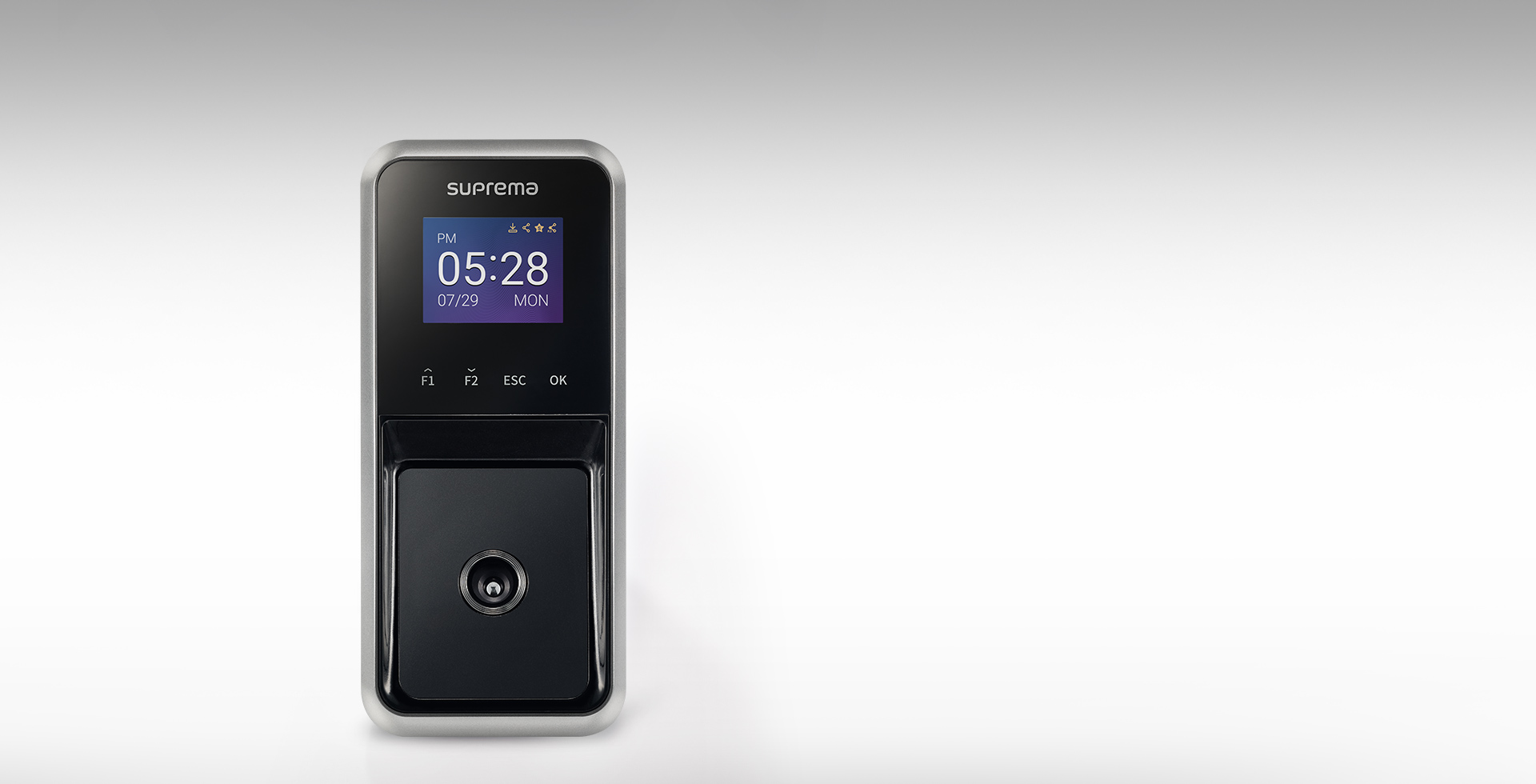

- Step 1 — Install occupancy sensors in each meeting room (PIR sensors, acoustic sensors, Time-of-Flight, or AI 3D Stereo Vision cameras like Xovis PC3).
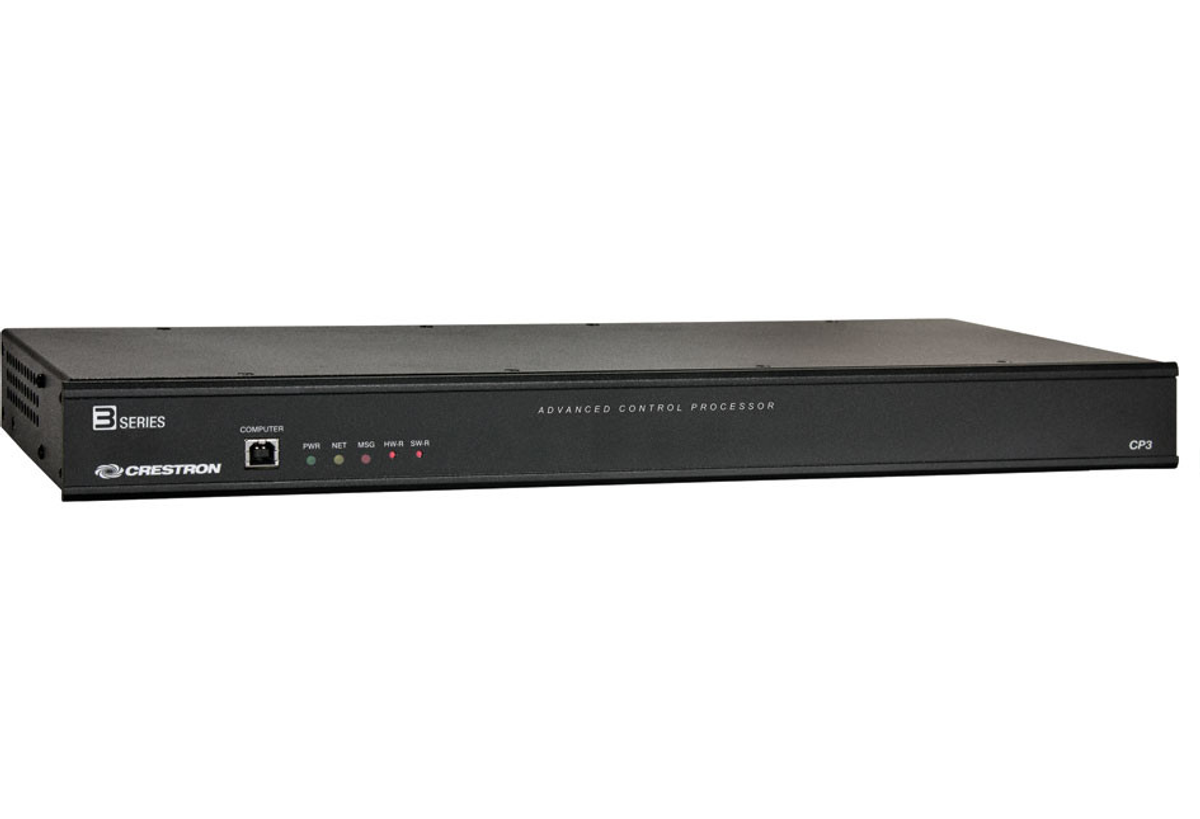
- Step 2 — Connect sensors to the booking system via API/IoT gateway. The sensor sends "occupied" / "vacant" signals in real-time (latency under 2 seconds).
- Step 3 — Integrate with Google Calendar / Outlook — when the sensor detects a room is empty but the schedule shows "busy," the system automatically cancels the booking or sends a notification to the person who booked it.
- Step 4 — Management dashboard — displays real-time occupancy rate, usage history, peak hour heatmaps, helping office management make data-driven decisions.
Specific benefits of deploying meeting room occupancy sensors

Increase room usage efficiency by 30-50%
Meeting rooms are freed up immediately when empty, allowing other employees to book them without waiting.
Save 5-10 minutes finding a room each day
Employees check actual room status on the app, no need for manual inspection.
Reduce space costs by 15-25%
Occupancy data helps businesses optimize the number of meeting rooms needed, avoiding over-leasing.
Automatically turn off lights/AC when empty
Integration with BMS (Building Management System) saves 20-30% on HVAC and lighting energy.
Reduce meeting schedule conflicts by 90%
The system automatically updates actual status, eliminating double-booking and schedule conflicts.
Which occupancy sensor to choose for a 50-person office?

There are 4 common types of occupancy sensors for office meeting rooms: PIR (low cost, easy to install, 70-85% accuracy), acoustic sensors (detects speech, 80-90% accuracy), Time-of-Flight (ToF) lidar (95%+ accuracy, privacy-friendly), and AI 3D Stereo cameras (99% accuracy, can count people). For a 50-person office, the optimal solution is combining ToF sensors or AI 3D cameras for large meeting rooms (6-12 people) and PIR sensors for small meeting rooms (2-4 people).
Guide to integrating with Google Calendar and Microsoft Outlook

Integrating occupancy sensors with electronic calendars is a key step. There are 3 methods: (1) use an IoT platform middleware (e.g., Node-RED, Azure IoT Hub) to connect sensor → Google Calendar API, (2) use existing room booking software with sensor integration (e.g., Joan, Robin, or the Vietnamese solution from Việt Đức Trí Group), (3) develop a simple webhook — whenever the sensor changes state, send an HTTP request to update the calendar. Integration costs range from 5-15 million VND depending on the method.