
Integrating Face ID and RFID into turnstile gates is an access control solution that combines AI facial recognition with RFID cards on a single device. In Vietnam, this technology is being widely deployed in grade A office buildings, shopping centers, and industrial parks to enhance security, reduce queue times, and integrate data into centralized management systems.
What is Face ID + RFID Turnstile Gate Integration?
A multi-technology integrated system combining AI facial recognition (Face ID), RFID cards, and a tripod turnstile or flap barrier mechanism for access control. Each person is authenticated using 2-3 factors (face + RFID card or fingerprint), with data synced in real-time with central management software.
Step 1: Survey Needs and Installation Environment


Before choosing equipment, clearly define control needs, pedestrian traffic flow, environmental conditions, and budget. A proper survey helps avoid installing the wrong type of turnstile, selecting the wrong camera resolution, or equipment that cannot withstand Vietnam's weather.
- Determine traffic volume: Count the number of employees + visitors during peak hours (usually 7-9 AM, 5-7 PM). If > 200 people/hour → need 2-3 parallel gates; 50-150 people/hour → 1 tripod turnstile gate is sufficient.
- Type of space: Office building (indoor, air-conditioned) vs. industrial park (outdoor, dust, high humidity). Outdoor conditions require IP67 cameras, frequency-interference-resistant RFID sensors.
- Integrate with existing systems: Check if the building already has a VMS (camera system), HR management software. If yes → choose devices supporting API/RTSP/ONVIF for data synchronization.
- Budget: Basic package (Face ID + RFID on 1 gate): 15-25 million VND. Premium package (integrated VMS + management software + 2-3 gates): 50-80 million VND.
Step 2: Choose Suitable Face ID + RFID Equipment

Select the Face ID reader, RFID sensor, and turnstile type so they are compatible in communication protocols, accuracy, and API integration support. Most high-end devices today support ONVIF, RTSP, and webhooks for connection to management software.
| Component | Selection Criteria | Product Examples |
|---|---|---|
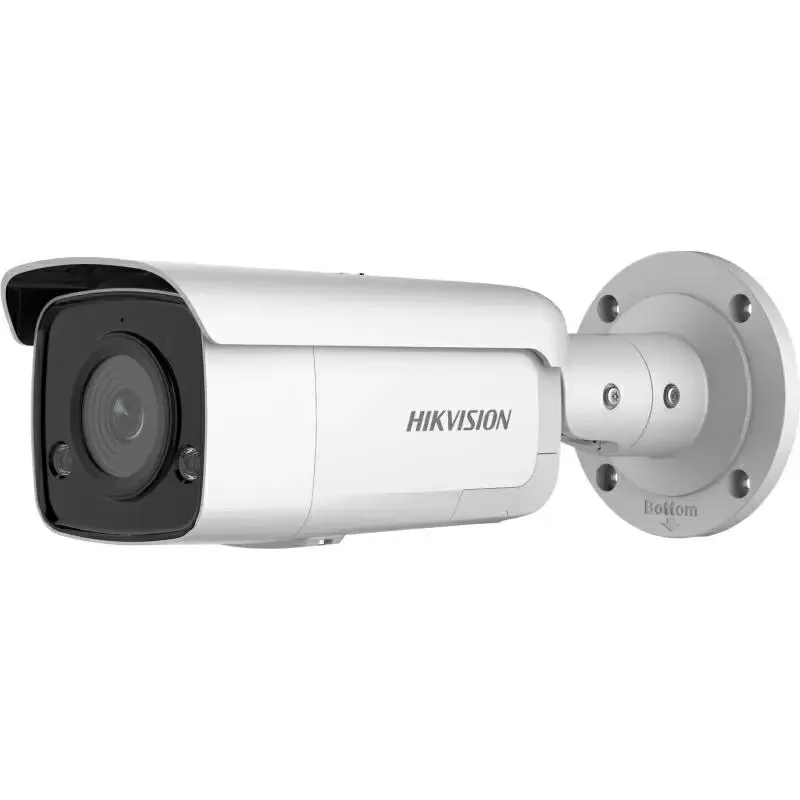
| Face ID Reader | Resolution ≥ 2MP, 3D anti-spoofing, mask support, accuracy ≥ 99%, recognition speed < 0.5s | Suprema FaceLite, ZKTeco ProFace X TD, Hikvision DS-K1T343E |
| RFID Sensor | Frequency 13.56 MHz (HF) or 860-960 MHz (UHF), read range 5-20cm, supports ISO14443 or EPC Gen2 | ZKTeco RFID reader, Honeywell Dolphin RFID module |
| Turnstile Type | Tripod (3 arms, 1.0-1.2m height) for offices; Flap barrier for high throughput; Full-height for maximum security | Kapaisi KPS-TD-3106, Kapaisi KPS-TD-3301, Kapaisi KPS-TD-8001 |
Step 3: Design System and Map Data Flow

Draw a connection diagram between the Face ID camera, RFID sensor, turnstile controller, NVR/VMS, and central management software. Determine communication protocols (Ethernet PoE, RS-485, WiFi), IP addresses, and webhook callbacks for real-time event synchronization.
- Network structure: Turnstile + Face ID camera connect via PoE (power over network cable) → Central NVR/VMS → HR management server. Use PoE instead of WiFi to avoid disconnections and high latency.
- Webhook callback: When Face ID recognizes successfully, the turnstile sends an event (timestamp, employee ID, result) to the management server. The management software automatically updates check-in/check-out to the timesheet.
- Fallback logic: If the management server loses connection, the turnstile still operates independently (stores events in local memory, syncs back when connection is restored).
- Data security: Encrypt HTTPS/TLS for API, use OAuth 2.0 authentication between systems, restrict access rights by role (admin, technical, HR).
Step 4: Configure Software and Register Employee Faces

Install management software, create user accounts, register faces into the database, and configure access control rules (working hours, permissions, deny after-hours access).
- Software installation: Deploy VMS (camera management) + access control management software on a server or cloud. Popular software: ZKTeco ProFace, Suprema BioStar 2, Hikvision iVMS.
- Employee registration: Take face photos (3-5 different angles) for each employee; the system extracts 512-1024 facial features. Issue RFID cards and create a link between employee ID ↔ face ↔ RFID card.
- Rule configuration: Set working hours (7 AM-5 PM), allow after-hours access